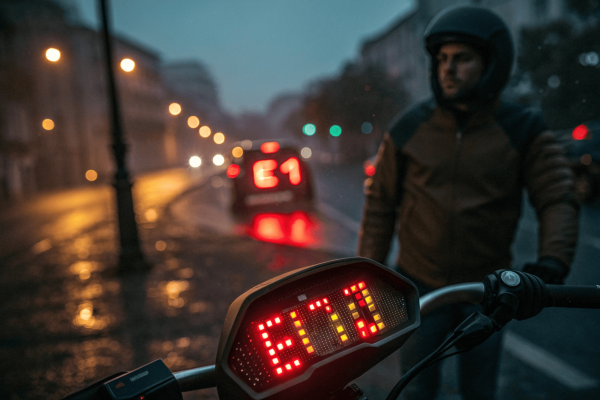
Is your electric scooter acting erratically, showing odd errors, or not responding? It’s a common headache. Many riders face these issues. Often, a simple reset is the answer. This guide, “How to Reset an Electric Scooter: Easy Steps,” clarifies this vital procedure. We explore why a reset becomes necessary, how to spot signs, essential pre-checks, and the general method to how to reset electric scooter units. Our aim is to equip you with clear steps for restoring your scooter’s smooth operation.
To reset an electric scooter, first power it off. Then, either press and hold its dedicated reset button, or perform a specific manufacturer-recommended sequence of control inputs (like brake, throttle, and power button). Refer to your scooter’s manual for precise model-specific instructions to resolve software glitches.
1. Why Might My Electric Scooter Need a Reset?
Your electric scooter suddenly misbehaving? What gives? Before costly repairs, consider software glitches. Modern e-scooters are complex, with firmware managing power, battery, and displays, leading to occasional digital hiccups. A reset acts like a digital refresh, clearing glitches without physical intervention, much like rebooting a computer. This can be effective for problems seeming like major hardware failures. Learning how to reset electric scooter devices saves time and money.
Many issues, like failing to power on/off, erratic motor engagement, or poor app connectivity, stem from software. Persistent error codes or performance issues like reduced speed or inaccurate battery display also indicate a reset. Unresponsive controls or startup failures are critical software-related signs. A system reset attempts to restore firmware to a stable state. Knowing how to reset electric scooter units is fundamental.
2. What Are Telltale Signs Indicating an Electric Scooter Reset is Necessary?
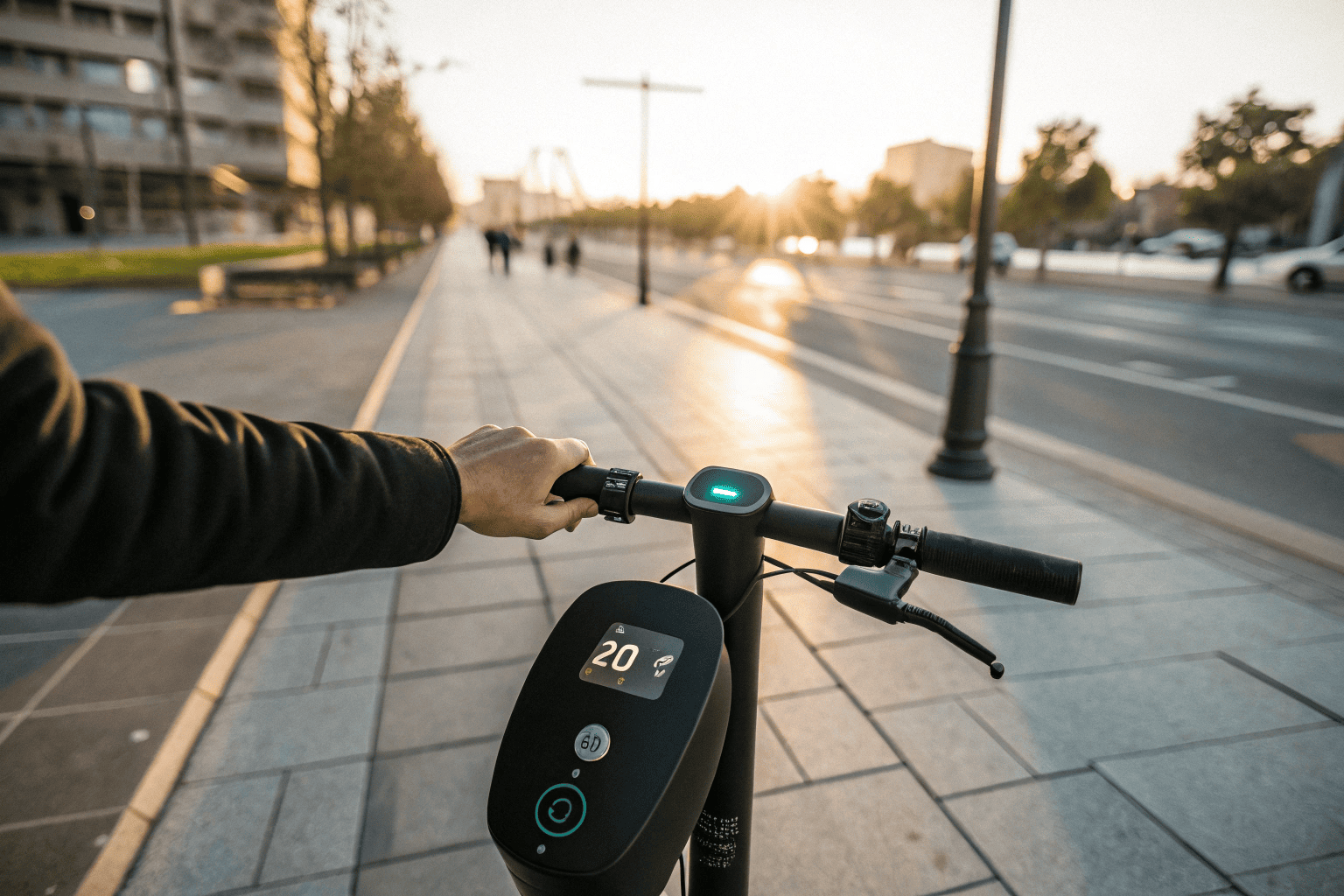
Recognizing when your e-scooter needs a reset is crucial. It’s not always obvious. Some issues clearly point to software, others are subtle. Paying attention to operational quirks and error indicators helps. One direct sign is persistent error messages or unusual blinking light patterns. If an error code (like E1, E2) lingers, or lights blink in an undocumented pattern, a software glitch is probable. A reset can clear these. Another clear sign is misbehavior with power functions – failing to turn on/off or doing so unexpectedly. Before suspecting a dead battery, try a reset. Unusual battery behavior, like rapid draining or incorrect charge readings, can also be a software issue in the BMS or controller. A reset can clear erroneous calibration data.
For smart scooters, consistent failure to connect with companion apps indicates software trouble. A reset can refresh communication pathways. Sudden power loss or erratic speed fluctuations are unsettling. These can point to the controller’s inability to manage motor output due to software glitches. Always check wiring first, but a reset is a viable step. Understanding how to reset electric scooter units for such issues is key.
| Sign Indicating Reset Needed | Common Symptoms | Potential Software Cause |
|---|---|---|
| Persistent Error Codes/Lights | Unresolved error messages, unlisted blink patterns | Corrupted error log, stuck diagnostic routine |
| Power Function Issues | Fails to turn on/off, unresponsive power button | Corrupted power management firmware |
| Unusual Battery Behavior | Rapid drain, inaccurate charge levels | Miscalibrated BMS data, software glitch in power monitoring |
| App Connectivity Problems | Fails to pair, frequent disconnections | Bluetooth firmware issue, controller communication error |
| Sudden Power Loss/Erratic Speed | Unexpected deceleration, motor cut-out, inconsistent speed | Motor controller software glitch, sensor misinterpretation |
3. What Preparatory Checks Should I Perform Before Resetting My Electric Scooter?
Suspect a reset is needed? Hold on! Perform crucial preparatory checks first. These ensure the reset goes smoothly and protect your scooter and yourself. First, check battery level. Attempting a reset with very low charge (below 20-30%) is problematic as the process might require sustained power, and an interruption could corrupt firmware. Charge it if low. This is vital for how to reset electric scooter devices safely. Next, a thorough visual inspection. Look for loose wires or damaged components. Symptoms mimicking software glitches can be due to poor electrical connections. Addressing hardware issues first is crucial. Consult the official user manual. It’s your best guide. Manufacturers provide model-specific instructions and warnings. Ignoring it is risky. Finally, if your scooter has a companion app, check if you can back up customized settings. A factory reset will likely wipe these. Backing them up makes post-reset setup smoother.

4. How Can I Locate the Reset Procedure for My Specific Electric Scooter Model?
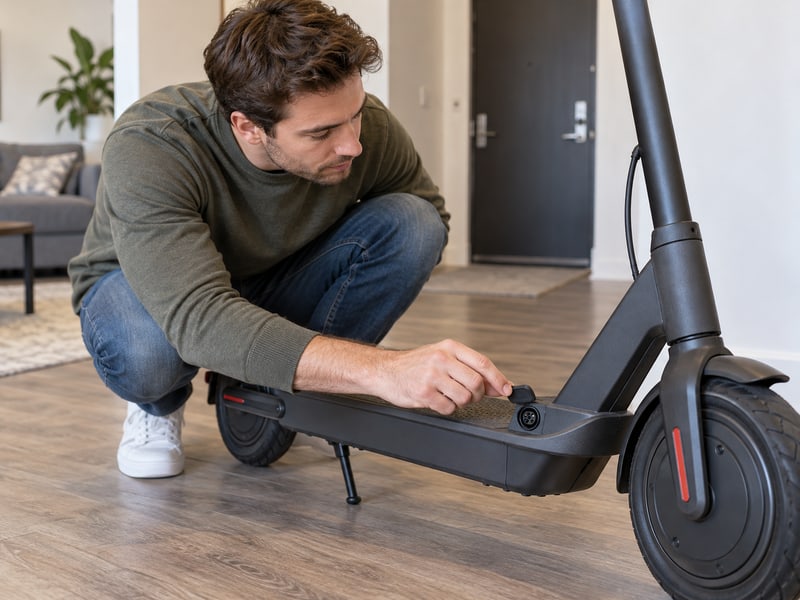
Ready to find the reset procedure? This can be tricky. Reset methods for e-scooters vary widely. Prioritize official sources. Many scooters have a physical reset button, often small and recessed, requiring a pin. Look near the charging port, under rubber flaps, or near the controller. Your user manual should show its location. The manufacturer’s official website, support portals, or FAQ sections are reliable sources. Go to the source. Search for your model for detailed guides. If no physical button, a specific sequence of control inputs (brake, throttle, power button) is likely. The user manual or support website is best. If official channels fail, online forums or YouTube can be resources. Community knowledge can help. Search for “[Your Scooter Model] reset.” Exercise caution with community-sourced info. Visual demos can be helpful for how to reset electric scooter steps.
| Information Source | Type of Information Provided | Reliability | Notes |
|---|---|---|---|
| Physical Reset Button | Direct hardware interface for reset | High (if present) | Often hidden, requires pin; check manual. |
| Manufacturer Official Website/Support | Model-specific instructions, FAQs, manuals | Very High | Primary source for accurate, safe reset procedures. |
| User Manual (Physical/Digital) | Detailed steps, diagrams, warnings | Very High | First reference for how to reset electric scooter. |
| Online Forums/User Groups | Community-sourced tips, experiences | Variable | Cross-verify; good for supplementary info. |
| YouTube Tutorials | Visual demonstrations of reset procedures | Variable | Check uploader credibility; can be helpful visually. |

5. What is the General Step-by-Step Guide to Resetting Most Electric Scooters?
Now, the core process. Time to get hands-on, carefully. While specifics vary, a general framework applies. First, completely power off the scooter. This is fundamental. Ensure it’s fully shut down. If your scooter has a physical reset button, locate it. With the scooter off, gently press and hold it for the recommended duration (typically 5-15 seconds). Release it; the scooter might power on automatically, or you may need to do it manually. For scooters without a dedicated button, a specific sequence of control inputs is needed. It’s a precise dance. This usually involves brake lever(s), throttle, and power button in a specific order and duration. Refer to your manual.
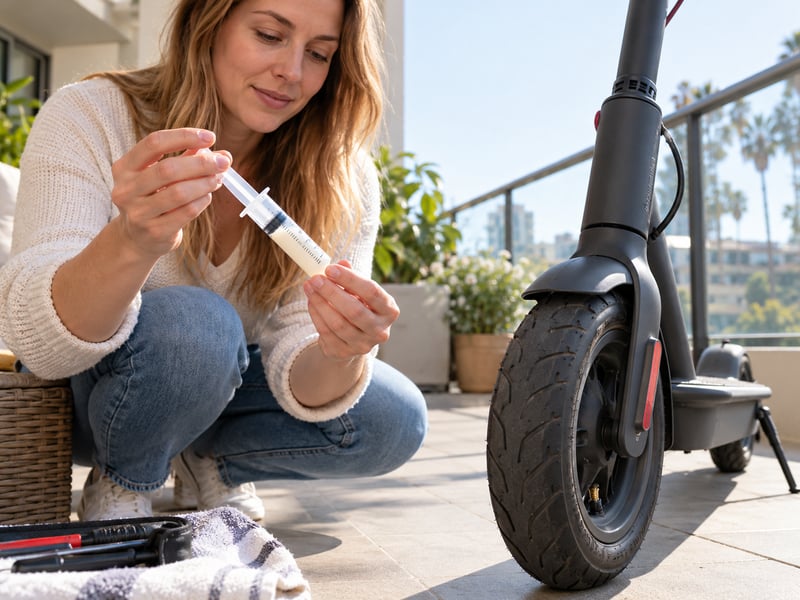
A more advanced, last-resort method is temporarily disconnecting the battery. Approach with extreme caution. This hard power cycle requires opening the scooter. Disconnect, wait a minute, reconnect. Risks include short circuits or voiding warranty. If unsure, seek professional help. After any reset, observe for signs of success. Test basic functions. A successful how to reset electric scooter procedure should resolve software issues.

6. Do Reset Methods Vary Significantly Across Different Electric Scooter Brands?
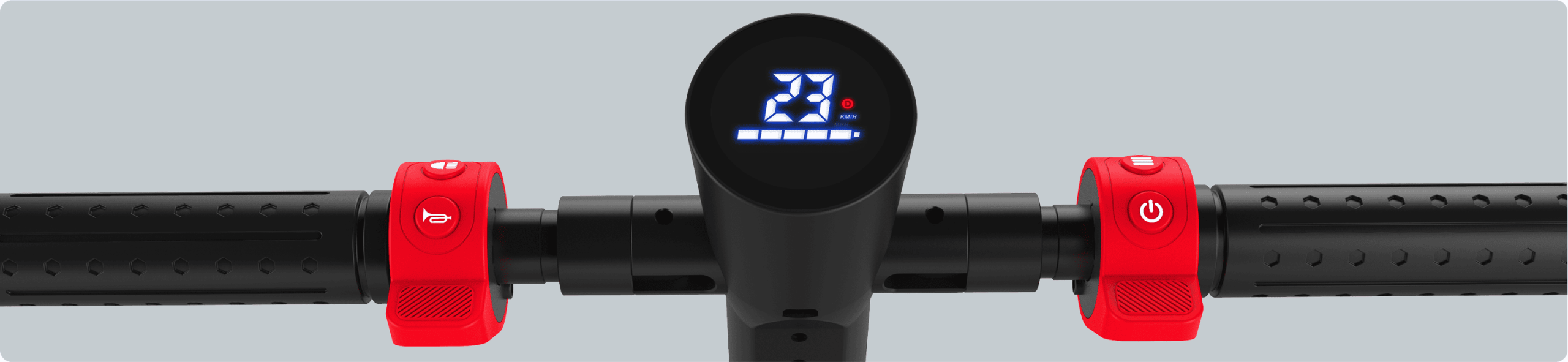
Do reset procedures change much between brands? Yes, quite a lot. The goal is the same – restore software to default – but steps differ. Each manufacturer often has proprietary methods. Understanding brand-specific nuances is crucial. Assuming a one-size-fits-all approach for how to reset electric scooter units is unwise. For example, Xiaomi M365/Pro often involves a brake/throttle/power button sequence. Segway-Ninebot might use app-based resets. GoTrax procedures vary. Some use physical buttons, others apps, others intricate control inputs. There’s no universal method. High-end scooters might have on-screen factory reset options. App-based resets are common for smart scooters. Some offer soft resets (clearing minor errors) versus hard/factory resets (wiping all settings), each triggered differently. Knowing which type your procedure performs is crucial when learning how to reset electric scooter systems.
| Brand Example | Common Reset Method Type | Potential Uniqueness | App Role (if applicable) |
|---|---|---|---|
| Xiaomi (M365/Pro) | Button sequence (brake, throttle, power) | Specific timings, beeps as indicators | Limited for reset, often hardware |
| Segway-Ninebot | App-based or button sequence | Varies by model (e.g., ES series vs. Max series) | Often primary for smart models |
| GoTrax | Button sequence or recessed button | Model-dependent, often simpler sequences | Varies; some models have apps |
| Levy | Button sequence, possibly battery-related | Swappable battery might influence procedure | App for settings may exist |
| Dynamic Scooter | Manufacturer-specific (manual/website) | Proprietary procedure defined by Dynamic Scooter | Check manual for app features |
7. What Safety Precautions Must I Observe When Resetting My Electric Scooter?
Safety first, always! This is non-negotiable. Observe crucial safety precautions. Perform the reset in a dry, well-lit, safe environment. Moisture and electronics don’t mix. If disassembly is required, wear appropriate safety gear like non-conductive gloves and safety glasses. Better safe than sorry. Ensure the scooter is on a stable, flat surface. Avoid touching exposed electrical components, especially if opening battery compartment. Lithium-ion batteries can be dangerous if mishandled. If uncomfortable, leave it to a professional. Most importantly, strictly follow the manufacturer’s guidelines for your specific model. The manual is your guide. Deviating can lead to damage or safety hazards. This adherence is key for how to reset electric scooter units responsibly.
8. What Are My Options if Resetting Fails to Resolve My Electric Scooter Issue?
So, the reset didn’t fix it. Feeling stuck? It happens. This signals a more complex problem. First, carefully re-attempt the reset. Precision matters. Reread instructions, double-check each step. A second, methodical attempt might work. If not, check for firmware updates via the companion app. Updates fix bugs and improve performance. If software fixes fail, consider underlying hardware problems. Perform basic visual inspections (with caution): check wires and connectors. If unsure, stop. If efforts fail, contact manufacturer’s customer support. They are the experts. Provide detailed problem description. They may have advanced diagnostics or warranty guidance. Finally, if out of warranty or support can’t help remotely, seek a qualified independent electric scooter repair technician for complex hardware failures.
| Option Post-Failed Reset | Description | When to Consider | Potential Outcome |
|---|---|---|---|
| Re-attempt Reset Procedure | Carefully perform reset again, ensuring precision. | If first attempt was rushed or unsure. | Successful reset if initial attempt had minor error. |
| Check for Firmware Updates | Use companion app to install newer scooter firmware. | If reset didn’t fix software-like issues. | Resolution of known bugs, improved performance. |
| Basic Hardware Inspection | Visually check wires, connections for damage (use caution). | If software fixes fail; before contacting support. | Identification of simple hardware faults. |
| Contact Manufacturer Support | Seek official guidance, troubleshooting, or warranty help. | After own attempts fail; if scooter is under warranty. | Advanced diagnostics, repair/replacement under warranty. |
| Seek Qualified Repair Tech | Take scooter to a professional for diagnosis and repair. | Out of warranty, complex hardware issues, uncomfortable with DIY. | Professional repair of hardware faults. |
9. How Can I Minimize the Need for Future Electric Scooter Resets?
Prevention beats cure. Absolutely! Knowing how to reset electric scooter units is good, but minimizing the need is better. Good maintenance and sensible usage reduce software glitches. Regular physical maintenance is key. Keep it clean. Routinely check for loose parts. Proper charging habits prolong battery life. Treat your battery well. Use the correct charger. Avoid full discharges or prolonged overcharging. Avoid riding in adverse conditions: heavy rain, extreme temperatures, very rough terrain. If your scooter has an app, keep firmware updated. Stay current. Updates fix bugs. Proper long-term storage also matters. Store in a cool, dry place, at ~40-60% charge. These steps minimize future instances where you might need to figure out how to reset electric scooter systems.

10. When is it Advisable to Consult a Professional Instead of Attempting Further Resets?
Knowing your limits is vital. Sometimes DIY isn’t enough. A reset isn’t a universal fix. After two or three unsuccessful, precise reset attempts, the problem is likely not a simple software glitch. Time to call the pros. If you see obvious physical damage, don’t reset first; physical repair is needed. If there are signs of a serious electrical fault – burning smell, sparks, overheating battery, smoke – this is an emergency. Cease attempts and contact professionals immediately. Do not try to how to reset electric scooter units in this state. If you feel uncomfortable or lack technical confidence with the reset, consult a professional. If the scooter is under warranty and the issue is significant, contact manufacturer support first to avoid voiding coverage.
| Scenario for Professional Help | Reason for Seeking Expert Assistance | Potential Risk of DIY |
|---|---|---|
| Multiple Failed Reset Attempts | Problem likely not a simple software glitch; deeper issue. | Wasted time, frustration, no resolution. |
| Obvious Physical Damage | Reset cannot fix broken parts/wires; physical repair needed. | Worsening damage, safety hazard if powered on. |
| Signs of Serious Electrical Fault | Burning smell, smoke, overheating battery; dangerous. | Fire, explosion, personal injury. Immediate expert call. |
| User Discomfort/Lack of Confidence | User unsure about procedure, fears making mistakes. | Errors, damage, unnecessary stress. |
| Significant Issue Under Warranty | Avoid voiding warranty; let manufacturer handle repairs. | Loss of warranty coverage if unauthorized actions. |
11. What Potential Risks Are Associated with Incorrectly Resetting an Electric Scooter?
Resetting can be useful, but it’s not risk-free if done incorrectly. Caution is key. Risks range from losing settings to bricking your scooter or voiding warranty. One feared risk is “bricking” the scooter, rendering its Electronic Control Unit (ECU) unresponsive. A scooter owner’s nightmare. This can happen if the reset is interrupted or a wrong sequence corrupts the bootloader. Recovery often requires professional service. This is why precise official instructions for how to reset electric scooter units are vital. Improper resets can also damage sensitive electronics like the controller or BMS. A careless battery disconnect could cause a short circuit. Your warranty might be voided by unauthorized disassembly or deviation from official guidelines. Incorrect procedures can also introduce safety hazards: short circuits or unexpected scooter behavior post-reset. Test thoroughly after a reset. Finally, a common outcome is permanent loss of custom settings if not backed up.
12. How Does an Electric Scooter Reset Typically Affect Its Stored Settings or Data?
A reset, especially a factory reset, tells your scooter’s brain to start over. What gets wiped? The primary effect is restoring all configurable parameters to original factory defaults: riding modes, speed limits, light configurations. Back to out-of-the-box state. Error logs, temporary operational files, and some learned parameters are also usually cleared. Consequently, all user-customized preferences are typically lost. Security settings like PIN codes are also reset. Reconfiguration is needed. The impact on app-synced data (ride history) varies. If cloud-stored, it might be safe. If local, some recent data could be lost. Importantly, a standard reset usually does not erase core firmware/OS. It tells existing firmware to revert settings. Serial numbers are retained. This clarifies the scope of what a how to reset electric scooter procedure does.
| Data/Setting Category | Typical Impact of Factory Reset | Example | Note |
|---|---|---|---|
| User-Configurable Settings | Restored to factory defaults. | Riding modes, speed limits, light settings. | All personalizations usually lost. |
| Error Logs & Temporary Files | Cleared from memory. | Diagnostic codes, temporary operational data. | Provides a clean system slate. |
| Learned Parameters | Often cleared, system re-learns. | Adaptive battery/motor control. | Scooter might behave differently initially. |
| Security Settings | Reset to default (e.g., PIN removed). | User-set PINs, electronic locks. | Security needs reconfiguration. |
| App-Synced Data (Ride History) | Varies; often retained if cloud-synced. | Total mileage, past trips. | Depends on app/cloud design. |
| Core Firmware/OS | Usually retained; reset reconfigures existing firmware. | Scooter’s fundamental OS version. | Reset differs from a firmware update. |
With this understanding of how to reset your electric scooter, you can confidently tackle common software issues. This knowledge is your first defense. Regular maintenance and careful use minimize reset needs. Prioritize safety, follow guidelines, and seek professional help when needed. A well-maintained scooter ensures a safe, enjoyable ride.
Facing scooter issues? Dynamic Scooters offer reliable performance and clear maintenance, simplifying troubleshooting. Choose hassle-free riding with our user-friendly designs.

FAQ Section
Q1: What exactly does an electric scooter reset do?
● An electric scooter reset primarily resolves software issues by restoring firmware or controller settings to factory defaults. This clears glitches and error codes. It gives the scooter’s electronics a fresh start.
Q2: How does the reset process generally work on an e-scooter?
● It varies by model but often involves specific actions: holding the power button, a button combination, or a dedicated reset button. Smart scooters might use an app. The aim is to revert to default state.
Q3: Is it safe to reset my electric scooter’s battery?
● Standard scooter resets target controller/display software, not usually the BMS for a deep cell reset. Following manufacturer instructions for a scooter reset is generally safe. Suspected battery cell issues need professional attention. Stick to official scooter reset procedures.
Q4: Will performing a reset on my electric scooter void its warranty?
● Using official manufacturer-outlined procedures generally shouldn’t void warranty. However, unauthorized disassembly or incorrect procedures leading to damage could. Always check warranty terms and use approved methods.
Q5: How often should I consider resetting my electric scooter if it seems to be working fine?
● A reset is a troubleshooting measure, not routine maintenance. If your scooter works correctly, there’s no need. Only reset for specific problems it’s designed to address.