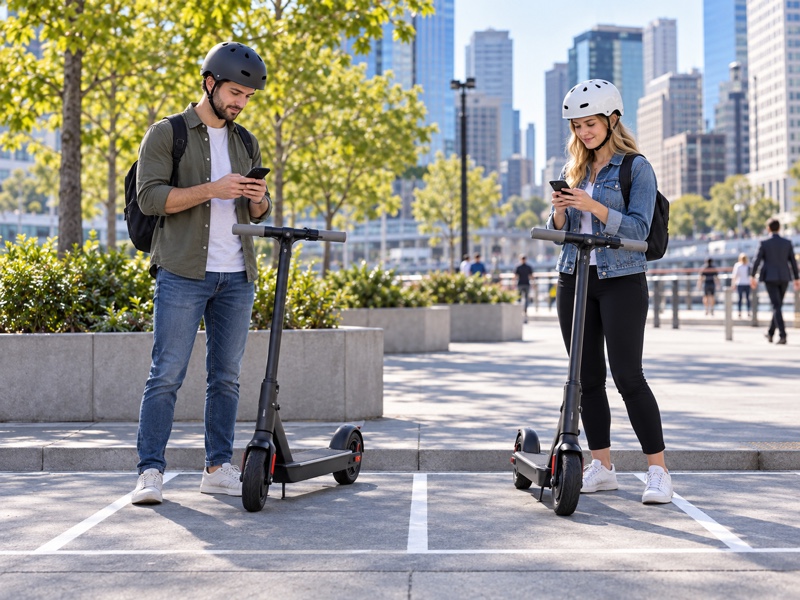

Electric scooter cruise control maintains a selected speed on supported models without continuous throttle input. An unfamiliar menu sequence can leave you unsure what to change. Follow your exact model’s official instructions. Confirm support and cancellation before a controlled check, using documented settings while leaving wiring and firmware safeguards intact.
1. What does electric scooter cruise control do?
On a supported scooter, electric scooter cruise control holds a selected riding speed after you complete that model’s activation procedure.
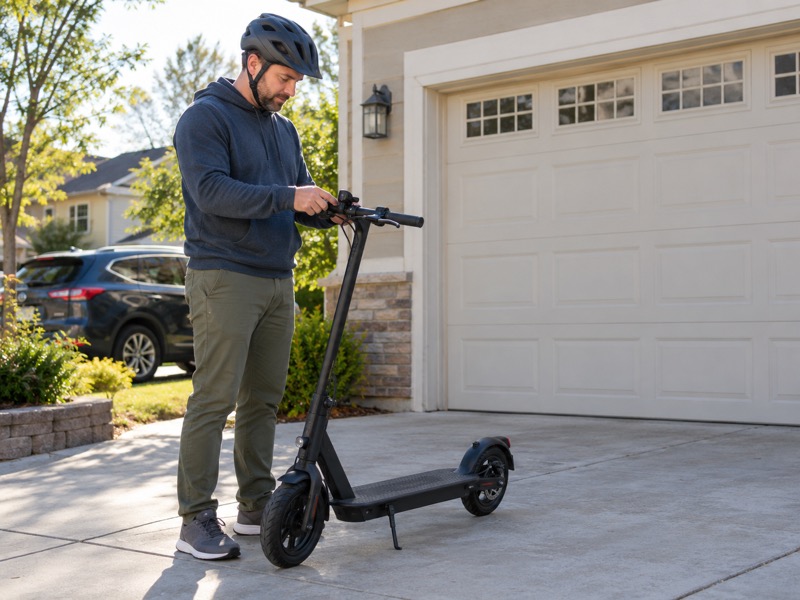
What remains your responsibility?
Here’s what holding speed leaves in your hands: Keep your normal riding position and access to the brake. Constant-speed operation does not tell you whether a crossing is clear, whether a pedestrian will step into your path, or whether the next surface suits your speed. You need to make those decisions throughout the ride.
Understanding the motor, controller and throttle can help you describe the feature accurately when asking the manufacturer a question.
How does it differ from a speed mode?
A riding mode can set operating characteristics or a maximum speed, while cruise control is a separate function within the supported riding conditions. Selecting an economy or sport mode does not establish that cruise is active.
- Identify the current riding mode.
- Check the manual's cruise indicator or confirmation.
- Keep both hands available for the controls.
| Setting or action | What to establish |
|---|---|
| Riding mode | Which operating mode you selected |
| Cruise enabled | Whether the feature is available to engage |
| Cruise active | Whether constant-speed operation has engaged |
Key Takeaway: Check active status separately from your riding mode, so you know whether constant-speed operation has engaged while keeping steering and braking under your control.
2. How do you confirm electric scooter cruise control support?
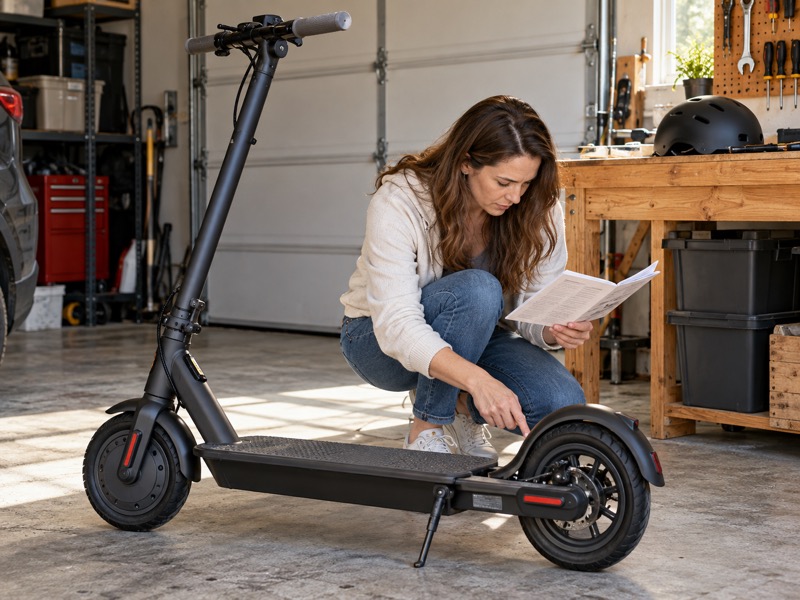
Confirm electric scooter cruise control support by checking the exact model, regional version and current official documentation before assuming the feature is available.
Why do model and region need checking?
Check the market version before the menu: A manufacturer may offer different features in different markets. For example, this Canadian manufacturer FAQ describes app-enabled cruise outside Europe and says the company does not support it on European versions. That is a product-availability statement, not a universal statement about every jurisdiction's law.
A separate regional support page for the Electric Scooter 5 says that model does not support cruise control. A familiar brand name or a digital display is insufficient to establish the feature.
What details should you collect?
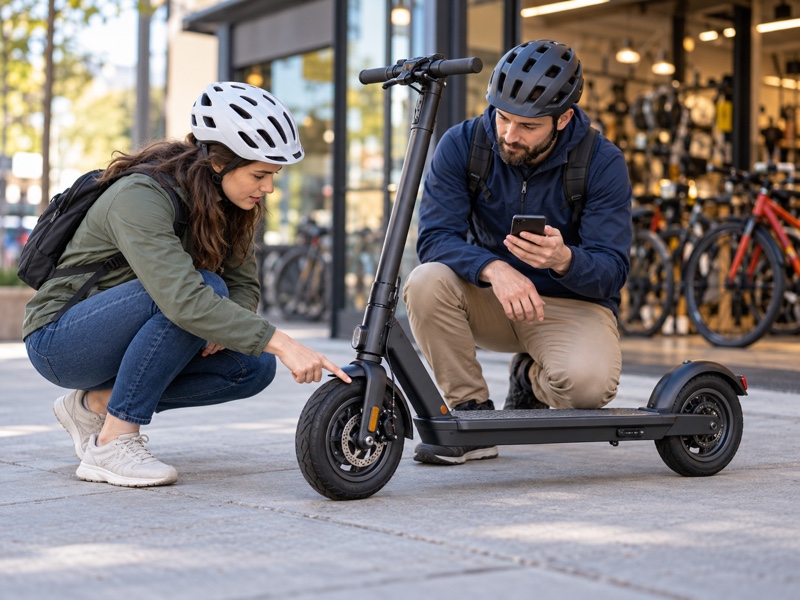
Photograph the model identification and record the app and firmware information available through normal settings. Match the manual to that version. If the app lacks an expected option, send those details to official support rather than copying instructions for a similar-looking scooter.
- Record the complete model designation.
- Identify the market version you purchased.
- Use the supported app and matching manual.
| Detail | Why it helps |
|---|---|
| Exact model | Separates different control systems |
| Regional version | Helps establish feature availability |
| App and firmware version | Gives support a reproducible starting point |
Key Takeaway: Send these details to official support if the option is absent; this helps you ask about your actual version instead of following an unrelated guide.
3. Where can you enable electric scooter cruise control?
Enable electric scooter cruise control only through the official setting described for your scooter, which may be an app option or a documented control on the vehicle.
Why shouldn't you copy a menu sequence?
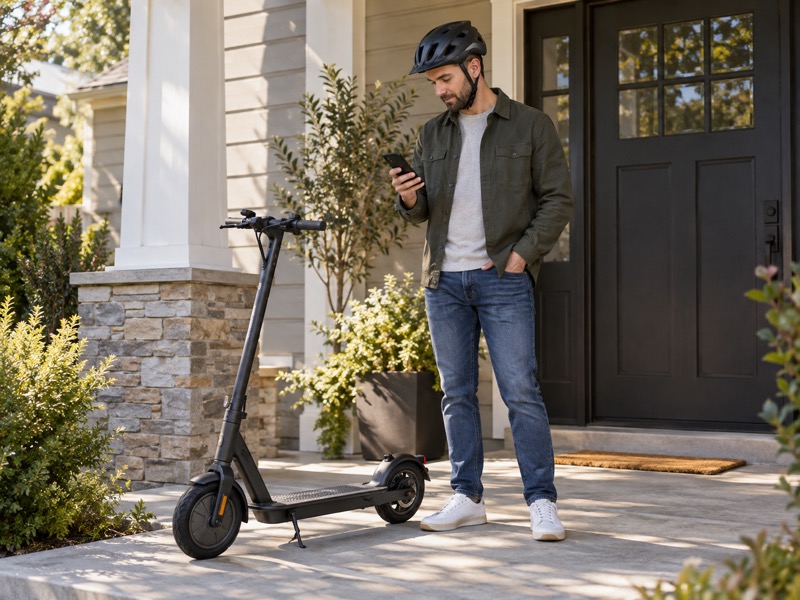
Here’s the setting-versus-active distinction: Buttons and menu numbers are model-specific. A sequence that changes cruise on one controller can describe another function elsewhere. Open the relevant manual before pressing combinations that alter configuration.
Make setting changes while parked. Read what the screen says and save only the option you intended to change. If a displayed abbreviation does not match the manual, stop the setup and ask for clarification.
How do you confirm the change was saved?
Follow the manufacturer's confirmation process, then check the setting again as instructed. Some interfaces separate permission to use cruise from the riding action that engages it. Do not assume a saved option means the scooter has already entered constant-speed operation.
- Find the named setting in official instructions.
- Change one documented option at a time.
- Confirm what enabled and active mean on that display.
| You see | Check before continuing |
|---|---|
| App toggle | Whether it enables later engagement |
| Dedicated button | Its model-specific operation |
| Unexplained menu code | Matching official documentation |
Key Takeaway: Verify an unexplained menu code before saving a change, so you can distinguish feature availability from active constant-speed operation.
4. How do you activate electric scooter cruise control?
Activate electric scooter cruise control only with the conditions and sequence in your model’s manual. There is no single procedure for every scooter.
What does a documented example look like?
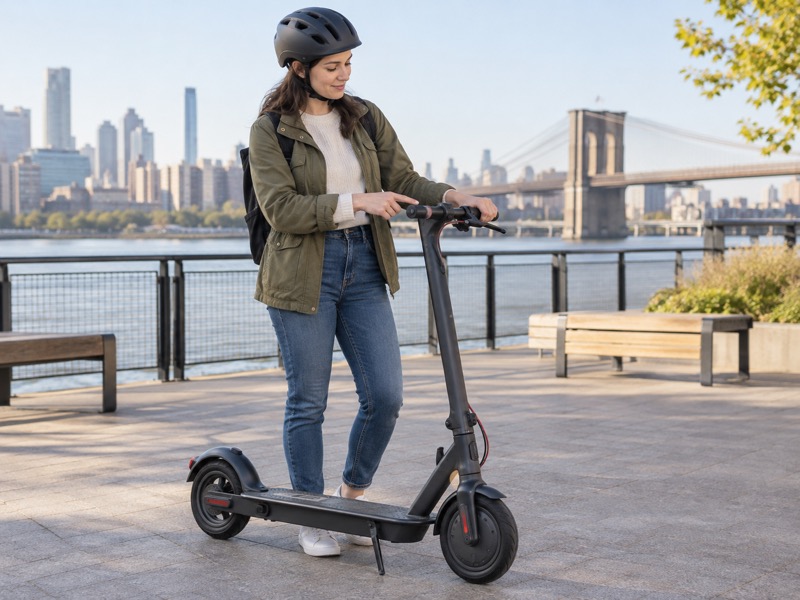
Check which model the sequence belongs to: The official F3 Series manual describes a combined mode/cruise button. For the documented version, cruise can engage outside Walk Mode at 5 km/h or above by holding that button for two seconds. That sequence belongs to the model described in that manual.
Use the example to see which details to find in your own instructions: mode, minimum speed, button action and confirmation. Do not try the example on an unrelated scooter merely because its handlebar has a similar button.
What should you know before moving?
Read cancellation instructions before activation instructions become a riding task. Identify the actual controls with the scooter parked and switched off where appropriate. Arrange any permitted check in an area where you can stop comfortably without other traffic.
- Confirm support for your version.
- Identify engagement and cancellation controls.
- Read the indicator or sound description.
| Manual detail | Record for your model |
|---|---|
| Required riding mode | Which modes permit engagement |
| Activation condition | Speed or other stated condition |
| Confirmation | Specified icon, sound or display behavior |
Key Takeaway: Read the cancellation action before trying activation; you can then identify the controls and confirmation for your exact model.
5. How do you cancel electric scooter cruise control?
Cancel electric scooter cruise control using the documented action for your scooter, then disable the saved feature separately if you no longer want it available.
Why separate cancellation from disabling?
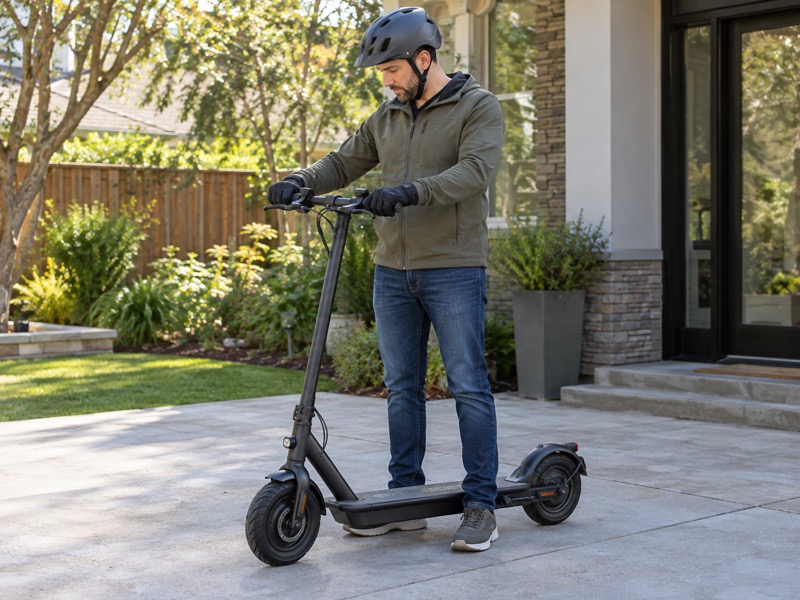
Keep ending cruise separate from disabling it: Cancellation ends an active cruise session; disabling changes whether the feature can engage again. The controls for those tasks may differ. Read both parts of the manual before using the setting.
In the F3 example, the manual lists the button, throttle or brake lever as cancellation inputs. Do not assume that releasing the throttle alone is the cancellation method. Establish the correct response for your own model before relying on it.
How do you verify the scooter returned to manual operation?
Use the specified indication and the behavior described by the manufacturer during a controlled check. Return to ordinary speed control before approaching a place that requires repeated adjustments. Make any app changes only after stopping.
- Identify the documented cancel input.
- Know the indication that cruise has ended.
- Check the saved setting if you want cruise disabled.
| Your goal | Procedure to locate |
|---|---|
| End active cruise | Cancellation action |
| Prevent later engagement | Disable setting |
| Confirm the result | Specified status and normal operation |
Key Takeaway: Confirm whether you want to end the session or prevent later engagement; this helps you locate the correct documented action.
6. How do you check electric scooter cruise control?
Check electric scooter cruise control in a permitted, clear area with room to stop, verifying ordinary operation before checking engagement and cancellation.
What should you check before any movement?
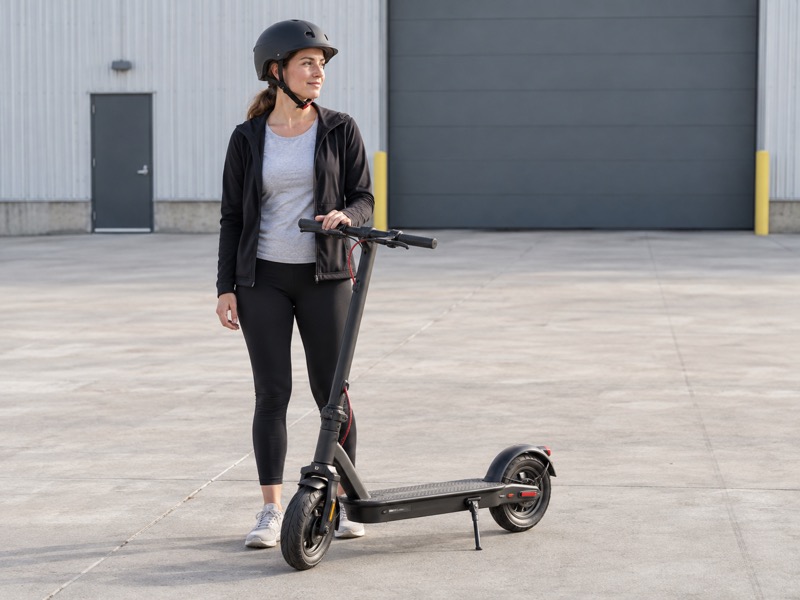
Here’s what the controlled check must establish: Confirm the brakes, throttle movement, tires and folding mechanism according to the manual. Organize routine inspection while keeping model-specific procedures with the manufacturer.
Choose an area where you have permission and can keep clear of pedestrians and vehicles. Wear your normal riding equipment. Do not make a traffic lane or busy shared path the place where you find out how an unfamiliar control behaves.
What should the check establish?
Follow the manual at its permitted conditions and verify one behavior at a time. Establish normal manual speed control, then documented engagement and cancellation. Stop before reading a phone or changing a setting.
- Keep the route clear and predictable.
- Allow room for a controlled stop.
- Stop the check if operation differs from the instructions.
| Check stage | What you need to establish |
|---|---|
| Stationary inspection | Controls and scooter condition |
| Normal operation | Predictable throttle and braking |
| Supported cruise check | Expected engagement and cancellation |
Key Takeaway: Resolve abnormal throttle or brake behavior before checking an optional feature, so your check starts with ordinary operation established.
7. When should electric scooter cruise control stay off?
Keep electric scooter cruise control off when traffic, pedestrians, crossings, poor surfaces or weather require frequent speed changes, and follow all restrictions in your manual.
What do official warnings tell you?
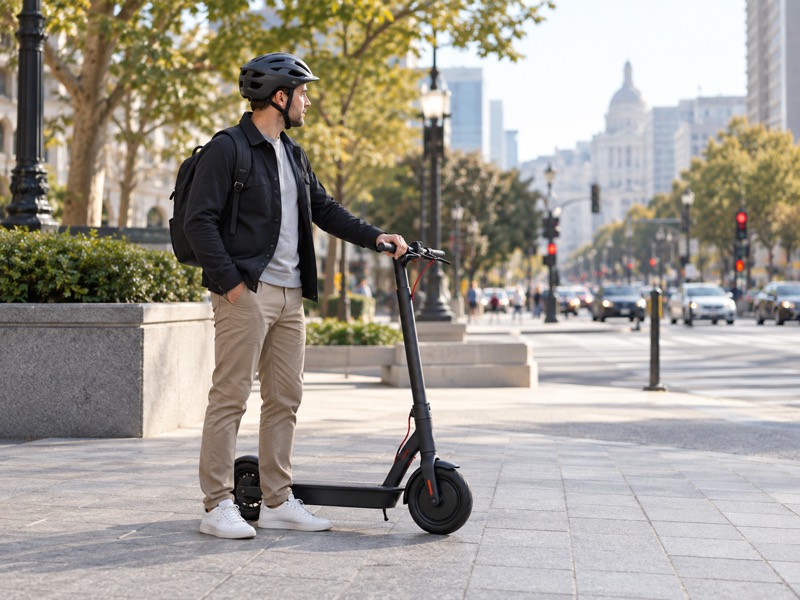
Check the route before keeping speed steady: The GT3 product manual warns against cruise use in complex environments, bad weather and undesirable road conditions. Read the warning for your own model rather than assuming an available feature suits every part of a trip.
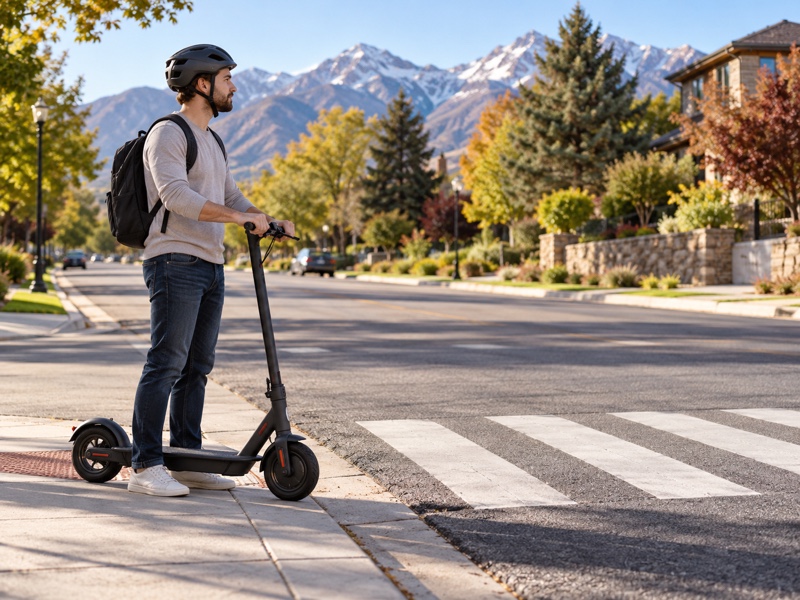
Think through upcoming junctions, driveways and places where people may cross your path. Turn the feature off before the situation becomes demanding. You should not need to search for a cancellation control while also deciding where to go.
How should you handle a changing route?
Plan where manual control will be needed before leaving. Review the complete trip before choosing the setting. Reassess conditions during the ride rather than using a familiar route as evidence that nothing has changed.
- Use manual control for frequent speed adjustments.
- Follow weather and surface restrictions.
- Stop before changing app settings.
| Route condition | Practical choice |
|---|---|
| Crossings or pedestrian activity | Manual speed control |
| Poor surface or unsuitable weather | Follow restrictions; avoid cruise |
| Uncertain operation | Stop and resolve it |
Key Takeaway: Return to manual control before a section that needs frequent speed changes; you can then respond without searching for a cancellation control.
8. Why is electric scooter cruise control missing?
An absent electric scooter cruise control option can reflect model support, regional availability or unmet engagement conditions, so check those before assuming a fault.
What should you check in order?
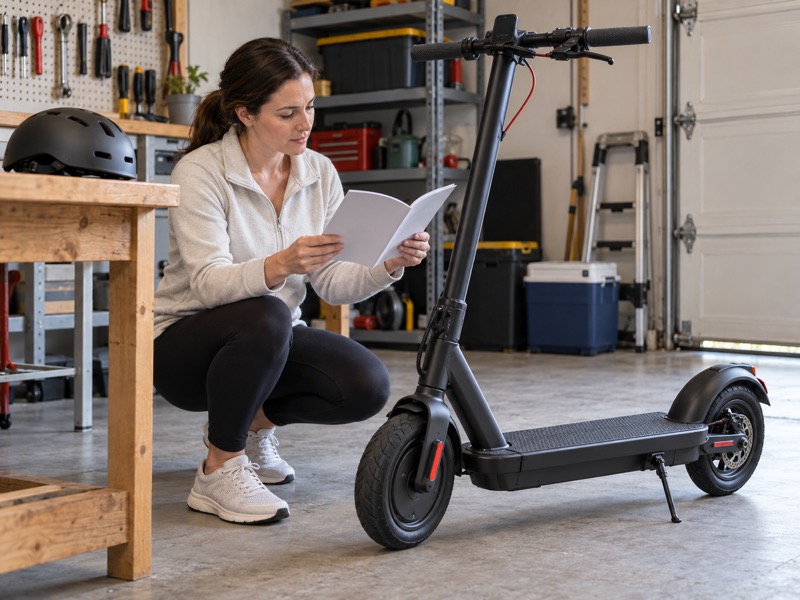
Separate an absent option from a fault: Confirm that the exact version supports cruise, that the official setting is enabled if required, and that the manual's engagement conditions are satisfied. Keep those questions separate. An enabled feature may still need the correct mode and deliberate riding action.
If an option disappears after an official update, record what changed and ask support whether the behavior is expected for your version. Do not substitute an unofficial app, change regional settings to obtain a feature, or alter wiring to bypass a restriction.
What if the scooter has a broader operating problem?
Resolve ordinary operation before considering cruise. If the scooter powers on but will not move, organize your observations and follow the manufacturer’s instructions for the actual fault.
- Record the model and software information.
- Note the mode, setting and indicator state.
- Keep error messages exactly as displayed.
| Observation | Check before diagnosing |
|---|---|
| No menu option | Model and regional support |
| Setting enabled, no engagement | Stated activation conditions |
| Other controls behave incorrectly | Normal-operation fault |
Key Takeaway: Separate an absent feature from an operating fault, so your support request describes the right model, setting and symptom.
9. How do you spot an electric scooter cruise control fault?
Check electric scooter cruise control behavior against its documented state, and stop riding if speed control or cancellation does not respond as expected.
What information makes a useful service report?
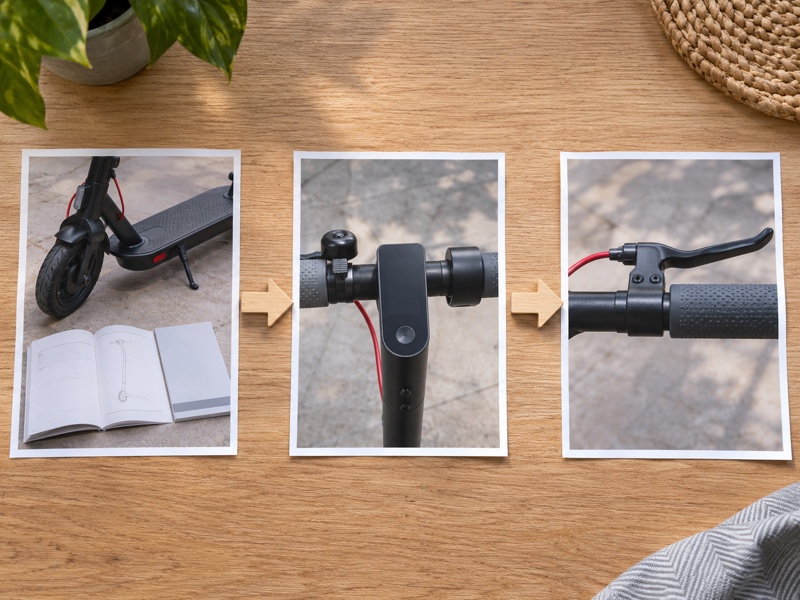
Here’s the service detail that matters: Record whether cruise was enabled, whether the active indicator appeared, which documented cancellation input you used and what happened next. Include any error code. Describe observations without guessing which component failed.
For example, the manufacturer FAQ identifies error 03 as an accelerator fault for the devices it covers. That does not make 03 a universal code for every scooter. Match diagnostic information to the model before using it.
What should you avoid doing during diagnosis?
Do not repeat a riding test when cancellation, braking or throttle response appears wrong. Use your known braking procedure to stop safely, then keep the scooter out of use until the issue is resolved. Follow official support instructions for inspection and service.
- Save model, app and firmware details.
- Report the sequence of actions and responses.
- Leave interlocks, wiring and firmware safeguards intact.
What should you confirm before your next ride?
| Behavior | Appropriate response |
|---|---|
| Documented cruise remains active | Use documented cancellation |
| No support on that version | Accept the feature limitation |
| Unexpected speed or failed cancellation | Stop use and seek service |
Key Takeaway: Keep the scooter out of use if speed control or cancellation behaves unexpectedly; a clear record helps official support review what happened.
Summary: Confirm model support, follow its instructions and know cancellation before riding. Use manual control whenever conditions demand speed changes. Dynamic Scooter stands for practical product choices shaped around everyday riders. For help comparing listed features before buying, contact us with the exact model, regional version and specific function you need.
FAQ
For electric scooter cruise control questions, use your model’s current instructions to settle activation, cancellation and availability before deciding whether to use the feature.
Q1: Can I use another scooter's menu sequence?
No. Buttons and settings can have different functions on another controller. Find instructions for the exact model before changing its configuration.
Q2: Can I take my hands off the handlebar during cruise?
No. Keep both hands at the controls and remain ready to steer and brake. Holding speed does not handle the route for you.
Q3: Can unofficial firmware add a missing cruise feature?
No. Use only manufacturer-supported functions and procedures. Do not bypass regional restrictions, interlocks or firmware limits to obtain cruise control.
Q4: Does cruise control guarantee more range?
No range improvement is established by the feature's name. Use the manufacturer's model-specific range information and avoid treating an unverified efficiency claim as a purchase reason.
Q5: How do I confirm support before buying a scooter?
Your exact version decides support. Check the model and regional version, then request its current instructions. Ask the seller to confirm the feature for the version you will receive before placing an order.