

Is your scooter plugged in but you’re not sure it’s actually charging? This uncertainty can be frustrating, especially when you rely on it for your daily commute. A scooter that fails to charge means you could be left stranded, disrupting your plans and causing unnecessary stress. This guide will show you exactly how to confirm your scooter is charging correctly.
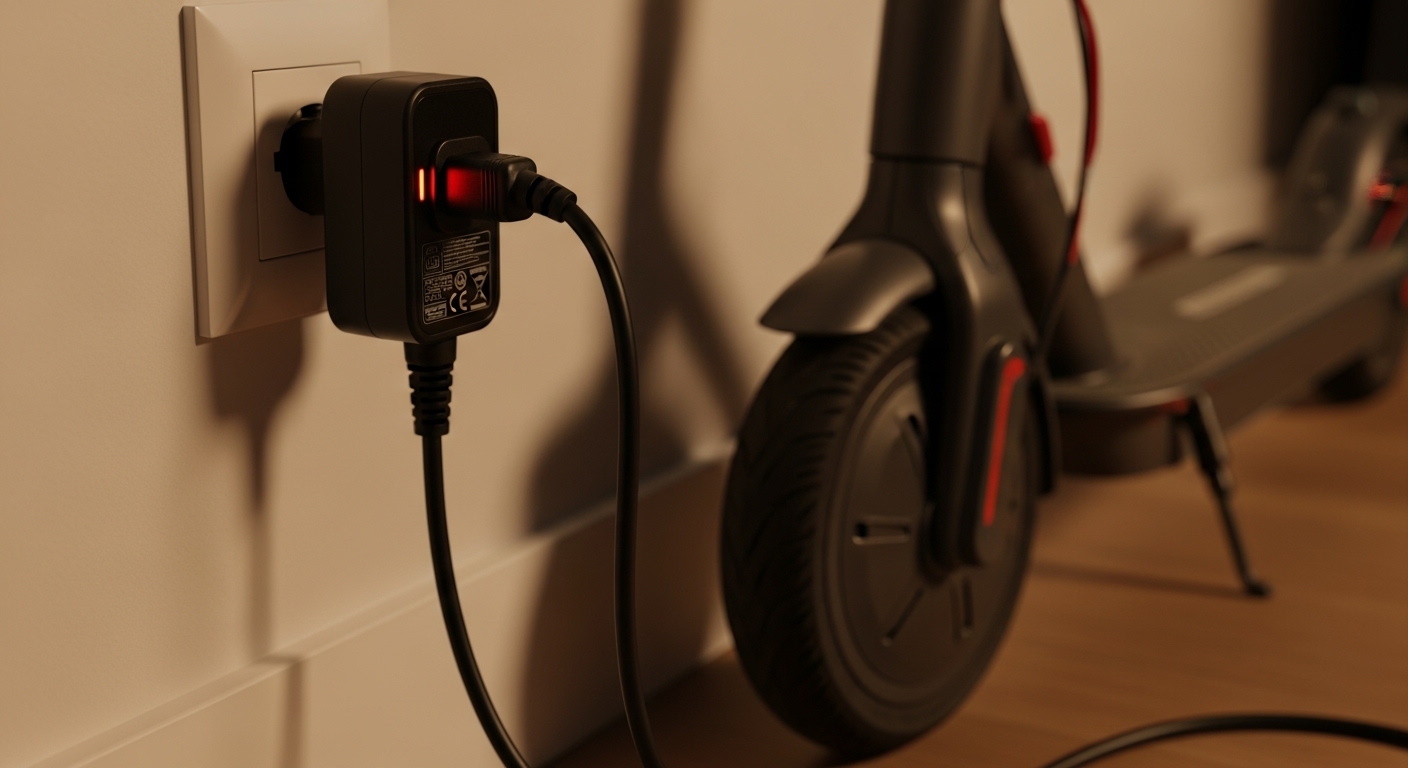
To know if your electric scooter is charging, look for key visual cues. The most common sign is an indicator light on the charger, which typically turns red during charging and green when full. Your scooter’s display may also show a charging symbol or an increasing battery percentage. A working charger will feel slightly warm to the touch, but not excessively hot. If you see these signs, your scooter is charging properly.
Ready to become a charging expert? Here’s the deal… This article will walk you through all the signs and steps to check.
1. What Are the Visual Signs That Your Electric Scooter Is Charging?
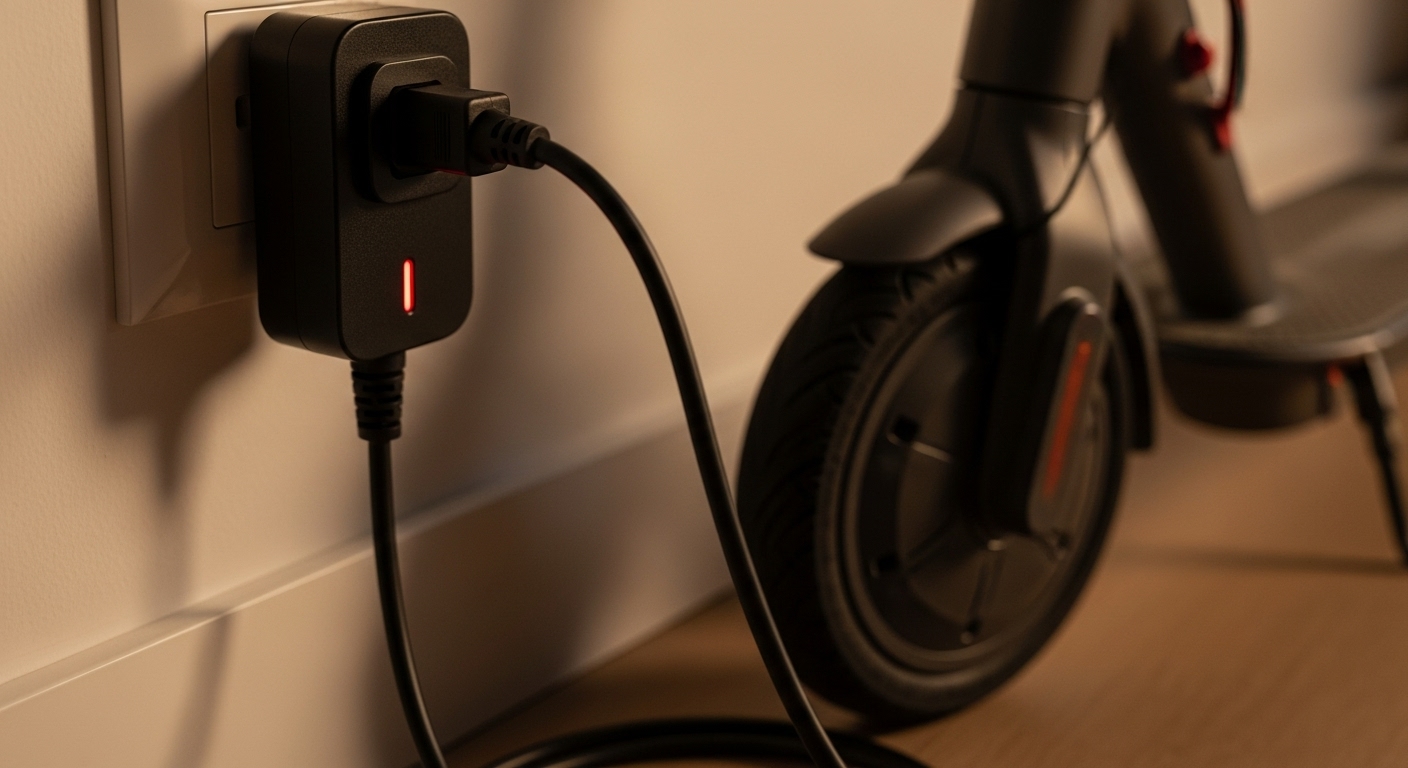
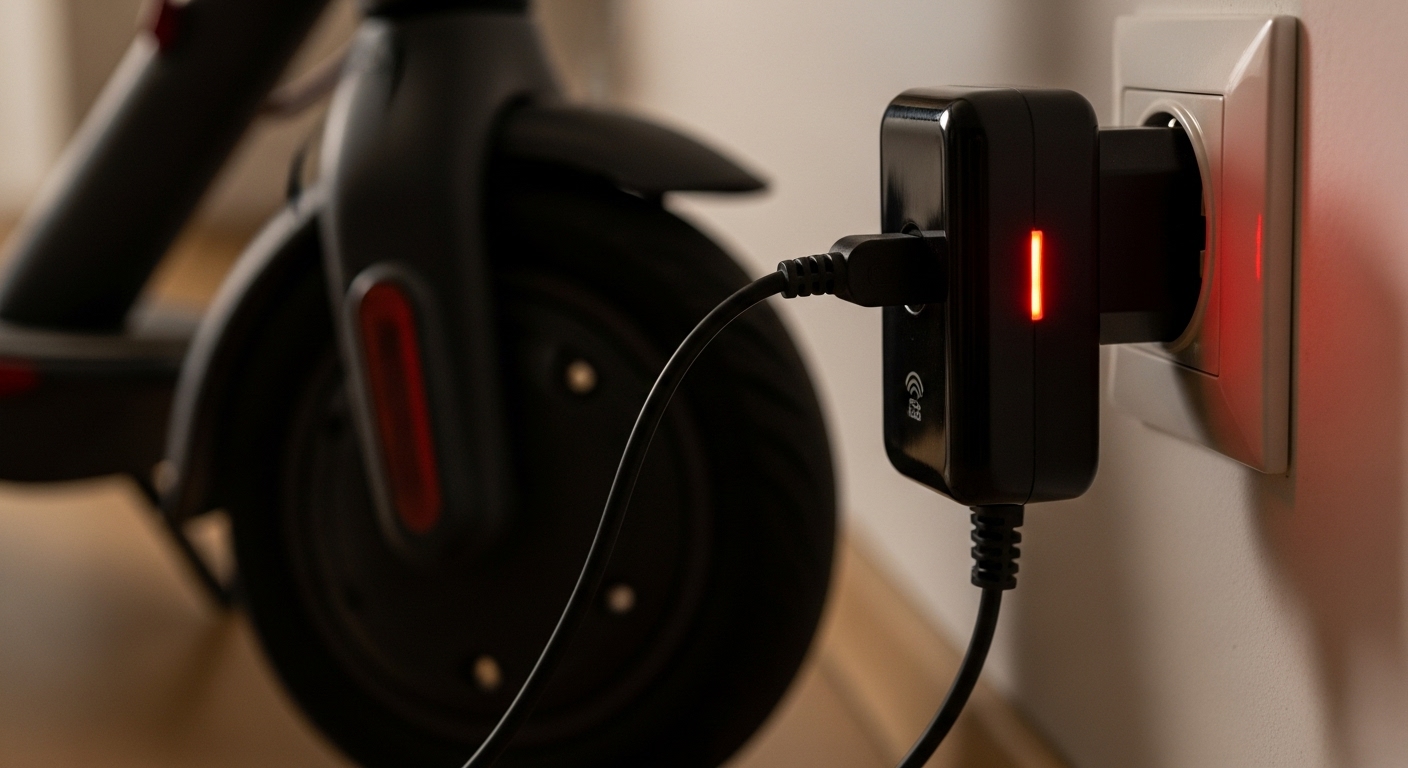
Confirming that your electric scooter is charging is usually straightforward. Manufacturers design scooters with clear visual indicators to show the charging status. The most common and reliable sign is the LED indicator light found on the charger itself. When you plug the charger into the wall and the scooter, this light will typically turn red. This red light signifies that the charging has started and electricity is flowing to the battery.
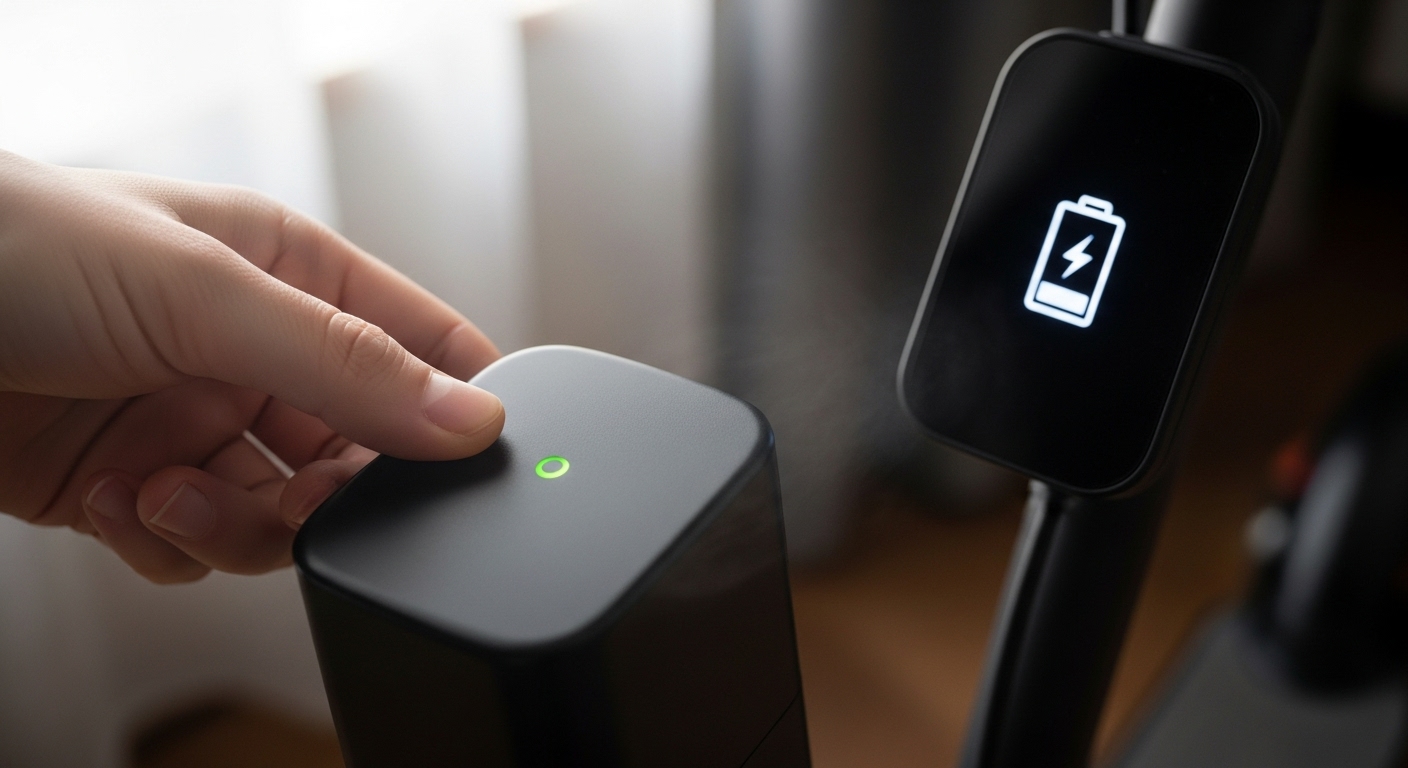
Your scooter’s own display screen provides valuable information. Most modern scooters have a digital display that will show a charging symbol, such as a lightning bolt or a battery icon filling up. You should also see the battery percentage slowly increasing over time. This provides direct feedback that the battery is accepting a charge. Some scooters might not have a screen, but they often have a series of small LED lights on the handlebars or deck that blink.
Color changes are another key indicator. The charger light is usually red during charging. Once the battery is fully charged, this light will change to green. This is your signal to unplug the charger. The blinking lights on the scooter’s deck might turn solid once the charge is complete. This matters because understanding these color codes prevents overcharging and helps you know exactly when your scooter is ready to ride.
Here is a breakdown of common light patterns and their meanings:
| Light Indicator | Color/Pattern | Meaning |
| Charger LED | Solid Red | Currently Charging |
| Charger LED | Solid Green | Fully Charged |
| Scooter Display | Blinking Battery Icon | Currently Charging |
| Scooter Display | Solid Battery Icon | Fully Charged |
2. How Can You Tell If the Charger Is Working Properly?
Sometimes, the problem isn’t the scooter but the charger itself. A faulty charger won’t deliver power to your battery, no matter how long you leave it plugged in. Check the indicator light on the charger. Most chargers have a light that turns on when it’s plugged into a working wall outlet, even before it’s connected to the scooter. If this light doesn’t come on, it could mean the charger is dead or the outlet has no power.
Another reliable sign of a working charger is heat. It is perfectly normal for the charger block to become warm to the touch during charging. This heat is a byproduct of the AC to DC power conversion. However, it should only be warm, not excessively hot. If the charger is too hot to hold comfortably, or if you smell burning plastic, unplug it immediately. This indicates a problem that could be a fire hazard.
Unusual sounds or smells are red flags. A functioning charger should be nearly silent. You might hear a very faint hum, but any loud buzzing, clicking, or popping sounds are signs of a malfunction. A strong electrical or burning smell is a clear warning that something is wrong. In either of these cases, you should stop using the charger and get a replacement. The bottom line? Your senses are a great tool for diagnosing charger problems.
To be absolutely sure your charger is working, you can test its output with a multimeter. This tool measures electrical voltage. Set the multimeter to the DC voltage setting and touch the probes to the metal contacts on the charger’s connector. The reading should match the output voltage printed on the charger’s label. If the reading is zero or much lower than specified, the charger is faulty.
| Charger Symptom | What It Means | Action to Take |
| No Indicator Light | No power or faulty charger | Test outlet, then replace charger if needed |
| Excessive Heat | Internal malfunction | Unplug immediately and replace |
| Loud Buzzing Sound | Electrical fault | Unplug immediately and replace |
| Burning Smell | Overheating components | Unplug immediately and replace |
3. What Should the Battery Display Show When Charging?
Your scooter’s battery display is your main source of information about the charging. When you plug in the charger, the display should light up and show that charging has begun. The most common indicator is a battery icon that animates, blinks, or shows bars that increase. This visual feedback is a clear sign that the battery is receiving power.
Alongside the icon, the display should show the battery percentage. As the scooter charges, you will see this number climb. It might not update in real-time instantly, but it should increase steadily over a few minutes. If the percentage remains stuck or decreases while plugged in, there is a problem. This could be due to a faulty charger, a bad connection, or an issue with the battery itself.
Some more advanced scooters provide an estimated time remaining until the battery is full. This is a helpful feature that lets you know how long you need to wait before you can ride again. This estimate is calculated by the scooter’s Battery Management System (BMS) based on the battery’s current level and the charging rate. Keep in mind that this is just an estimate. The best part? It helps you plan your day around your charging schedule.
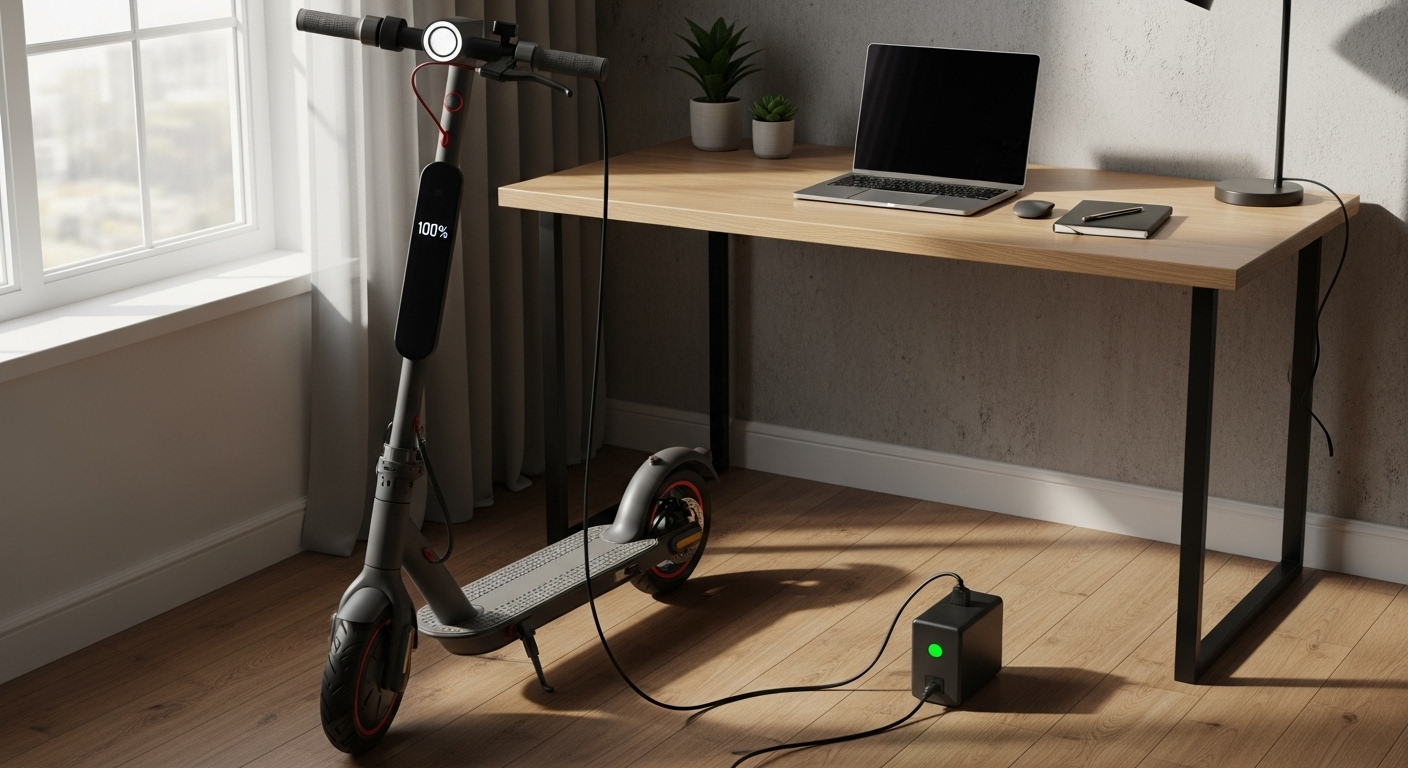
Once the battery reaches 100%, the display will indicate that the charge is complete. The battery icon will become solid, the percentage will read “100%,” and some models may show a “Full” or “Charged” message. The scooter might also beep or send a notification to a connected smartphone app. These notifications are your cue that it is time to unplug the scooter.
| Display Indicator | What It Shows | Status |
| Animated Battery Icon | The battery is actively charging | Charging in Progress |
| Increasing Percentage | The battery level is rising | Charging in Progress |
| “Time to Full” Estimate | How long until the charge is complete | Informational |
| Solid Battery Icon / 100% | The battery is fully charged | Charging Complete |
4. How Do You Know If Your Scooter Is Not Charging?
Recognizing when your scooter is not charging is just as key as knowing when it is. The most obvious sign is a lack of any indicator lights. When you plug in the charger, you should see a light on the charger and likely on the scooter as well. If nothing lights up, it’s a clear sign that no power is being transferred. Check your connections. Make sure the charger is firmly plugged into both the wall outlet and the scooter’s charging port.
Another clear indicator is a stagnant battery percentage. If you have the scooter plugged in for 30 minutes and the battery level on the display hasn’t increased at all, then it is not charging. This could point to a variety of issues, from a faulty charger to a problem with the scooter’s BMS. A simple way to troubleshoot is to try a different wall outlet to rule out a problem with the power source.
A charger that remains cold to the touch is another red flag. Chargers naturally generate some heat during operation. If your charger stays completely cold after being plugged in for a while, it’s likely not drawing any power. This could be due to an internal fault in the charger or a break in the power cord. Inspect the cord for any visible damage, such as cuts or frays. Here’s why it matters… A damaged cord is not only a charging problem but also a safety hazard.
Common connection issues are often the culprit. The charging port on the scooter can sometimes become loose or damaged, preventing a good connection. Check the port for any bent pins or debris that might be blocking the charger. Gently cleaning the port with a soft, dry brush can sometimes resolve the issue. If the port seems loose or damaged, it will likely need to be repaired by a professional.
| Symptom | Possible Cause | What to Do |
| No Indicator Lights | Bad connection or no power | Check plugs and outlet |
| Battery % Not Increasing | Faulty charger or scooter issue | Try a different charger if possible |
| Charger Stays Cold | Charger is not drawing power | Inspect charger and cord for damage |
| Loose Charging Port | Damaged port or connection | Inspect and clean the port; seek repair if needed |
5. What Are the Different Charging Stages and How to Identify Them?
Charging an electric scooter battery happens in several stages, managed by the BMS. The opening stage is often called the trickle charge. This happens if the battery has been deeply discharged. The charger will supply a very low current to slowly bring the battery’s voltage up to a safe level. You might not see a big jump in battery percentage during this stage, but it’s a critical step for battery health.
Once the battery reaches a certain voltage, the bulk charging stage begins. This is where the majority of the charging happens. The charger supplies a constant, high current, and the battery percentage will increase at a steady and relatively fast pace. This is the stage where the charger will feel the warmest. You can identify this stage by the rapid and consistent rise in the battery level shown on your scooter’s display.
The absorption phase starts when the battery reaches about 80-90% of its capacity. At this point, the BMS reduces the charging current. The voltage is held constant while the current gradually tapers off. This “absorbs” the remaining charge and tops off the battery safely. You’ll notice that the charging speed slows down considerably during this stage. That last 10-20% of the charge always takes longer than the rest. Let me explain… This is a deliberate safety measure to prevent stress on the battery cells.
After that, once the battery is 100% full, the charging enters the float or care stage. The charger’s output drops to a very low level, just enough to compensate for the battery’s natural self-discharge. This keeps the battery topped off without overcharging it. The indicator light on the charger will turn green at this point, and the scooter’s display will show a full battery. While modern chargers are designed to be left plugged in, it’s still good practice to unplug your scooter once it reaches this stage.
| Charging Stage | Current Level | Battery % Range | Purpose |
| Trickle | Very Low | 0-10% | Safely revive a deeply discharged battery |
| Bulk | High & Constant | 10-80% | Charge the battery quickly |
| Absorption | Tapering Down | 80-100% | Safely top off the battery |
| Float/Care | Very Low | 100% | Keep the battery full without overcharging |
6. How Long Should It Take for Your Electric Scooter to Charge?
The time it takes to fully charge your electric scooter can vary widely depending on several factors. The most significant factor is the size of the battery, which is measured in amp-hours (Ah) or watt-hours (Wh). A larger battery holds more energy and will naturally take longer to charge. A typical commuter scooter might have a battery around 7.5 Ah, which usually takes about 4-5 hours to charge from empty to full with a standard charger.
Another key factor is the charger’s output, measured in amps (A). A standard charger might have an output of 2A. Some manufacturers offer a fast charger as an optional accessory, which might have a higher output, like 4A. A fast charger can cut the charging time in half, but it’s key to make sure your scooter’s battery is compatible with fast charging. Using an incompatible charger can damage the battery. Always use the charger that came with your scooter or one that is approved by the manufacturer.
Several other conditions can affect charging speed. The ambient temperature plays a role; a battery will charge slower in very cold or very hot conditions. The lifespan of the battery also matters. As a battery gets older, its ability to hold a charge and charge quickly can decline. If you notice that your scooter is taking much longer to charge than it used to, it might be a sign that the battery is nearing the end of its life. Now, you might be wondering… what is a reasonable time to expect? For most modern scooters, a full charge from empty should take no more than 6-8 hours with a standard charger.
Here is a table showing estimated charging times for different battery sizes with a standard 2A charger. These are just estimates; your actual times may vary.
| Battery Size (Ah) | Estimated Charge Time (from empty) |
| 5.2 Ah | 2.5 – 3 hours |
| 7.8 Ah | 4 – 5 hours |
| 10.4 Ah | 5 – 6 hours |
| 13.0 Ah | 6.5 – 7.5 hours |

7. What Safety Features Indicate Proper Charging?
Modern electric scooters are equipped with sophisticated safety features for charging. These features are managed by the BMS, which acts as the brain of the battery. One of the most critical safety functions is overcharge protection. The BMS constantly monitors the voltage of each cell in the battery pack. Once the cells reach their maximum voltage, the BMS automatically stops the charging current. This is indicated by the charger light turning green and the display showing a full battery.
Temperature monitoring is another key safety feature. The BMS has sensors that track the battery’s temperature during charging and discharging. If the temperature gets too high, which can happen with a faulty charger or a short circuit, the BMS will cut off the power to prevent overheating. This is a safety measure that helps prevent fires. You won’t see a specific indicator for this, but it’s a silent guardian working in the background to keep you safe.
The BMS also provides protection against other electrical issues, such as over-discharging, over-current, and short circuits. Each of these protections is designed to safeguard the battery and the user. For example, over-current protection will stop the charge if the charger tries to send too much current to the battery. Want to know the secret? These smart features work together to make charging your scooter a safe and worry-free experience.
Many high-quality scooters, including the Dynamic Scooter Model B, feature an automatic shutoff function. This means that once the battery is fully charged, the charging circuit is completely disconnected, even if the charger is still plugged in. This provides an extra layer of safety and peace of mind. While it’s still a good habit to unplug your scooter when it’s done charging, this feature means no harm will come to the battery if you forget.
| Safety Feature | How It Works | What It Prevents |
| Overcharge Protection | Stops charging when battery is full | Battery damage, overheating |
| Temperature Monitoring | Cuts power if battery gets too hot | Overheating, fire risk |
| Over-Current Protection | Stops charge if current is too high | Damage to battery cells |
| Short Circuit Protection | Cuts power in case of a short | Electrical damage, fire risk |
Here is another table showing common BMS features and their benefits:
| BMS Feature | Benefit to User |
| Cell Balancing | Extends battery life by equalizing cell voltages |
| Low Voltage Cutoff | Prevents deep discharge damage |
| Charge Cycle Counting | Tracks battery health over time |
Conclusion
Knowing how to confirm your electric scooter is charging correctly is key to a reliable and stress-free commute. By checking for visual cues like indicator lights and display symbols, and by being aware of how a working charger should feel and sound, you can easily tell if your scooter is getting the power it needs. Understanding the different charging stages and what to do if your scooter isn’t charging will help you troubleshoot common issues and keep your battery in good health for years to come. A properly charged scooter is a dependable scooter.
If you’re looking for a scooter with a smart, safe, and reliable charging system, we invite you to check out the Dynamic Scooter Model B. Our commitment to quality and safety means you get a product you can trust. Take the next step and contact us today.
FAQ
Q1: Why is my electric scooter charger light not turning on?
Check if the charger is properly plugged into both the wall outlet and the scooter’s charging port. Make sure the outlet has power by testing it with another device. If the charger still shows no light, the charger itself may be faulty and need replacement.
Q2: Can I ride my electric scooter while it’s charging?
No, you should never ride your electric scooter while it’s plugged in and charging. This can damage the battery, create safety hazards, and void your warranty. Always disconnect the charger before riding.
Q3: Is it normal for my charger to get hot during charging?
Yes, it’s normal for the charger to become warm during use. However, if it becomes extremely hot to touch or emits burning smells, unplug it immediately. This could indicate a problem with the charger or electrical connection.
Q4: How do I know when my electric scooter is fully charged?
Most scooters show a green light on the charger or display when fully charged. The battery indicator on your scooter’s display will also show 100%. Some models beep or send notifications when charging is complete.
Q5: What should I do if my scooter stops charging at 80%?
Some scooters have a battery protection feature that limits charging to 80% to extend battery life. Check your user manual to see if this is a feature. If not, the battery may need calibration or the BMS might need inspection.