
A green charger light often means either the battery is full or charging has not started; the light alone cannot tell you which. You plug in your scooter after work, expect a ready ride tomorrow, and find the same low battery reading an hour later. That is the frustrating side of an electric scooter charger stays green problem. Compare the battery display with a few safe checks below before you buy a part or miss another commute.
1. If your electric scooter charger stays green, is it full?
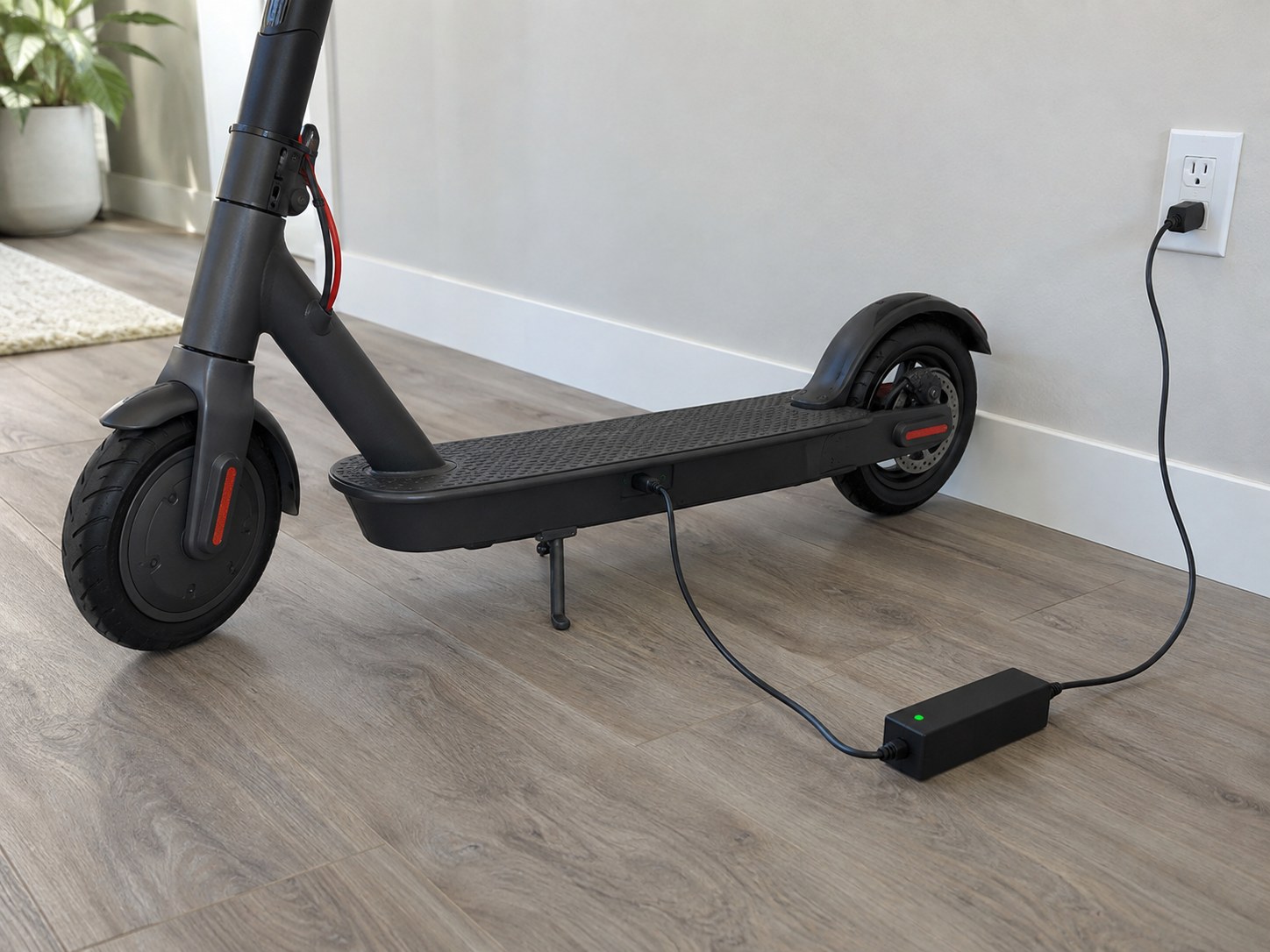
It may be full, but green does not prove that power reached the battery. On some models, an electric scooter charger stays green when charging ends; it may also stay green when the adapter sees no battery connection. Check the scooter's own battery display and note whether it changes after a normal charging session. Your model manual has the final say on its LED colors.
What does the light actually tell you?
Look at both ends of the cable: A lit adapter confirms that it has some power, not that the battery received it. You can narrow the cause without opening a case:
- Green light with a high battery reading: a completed charge is plausible.
- Green light with a low reading: inspect the power path.
- No light at all: check the outlet and adapter before the scooter.
What should you compare next?
Read the display before plugging in, then check it again after the charging period stated in your manual. A change in the displayed charge or available range supports normal charging, though dashboard estimates can vary.
| What you see | Likely next step |
|---|---|
| Green LED and high battery reading | Confirm normal riding range |
| Green LED and unchanged low reading | Check connections and charger |
Key Takeaway: Treat the LED as one clue; the scooter's battery behavior tells you whether to keep checking.
2. How can you confirm the battery is already full?
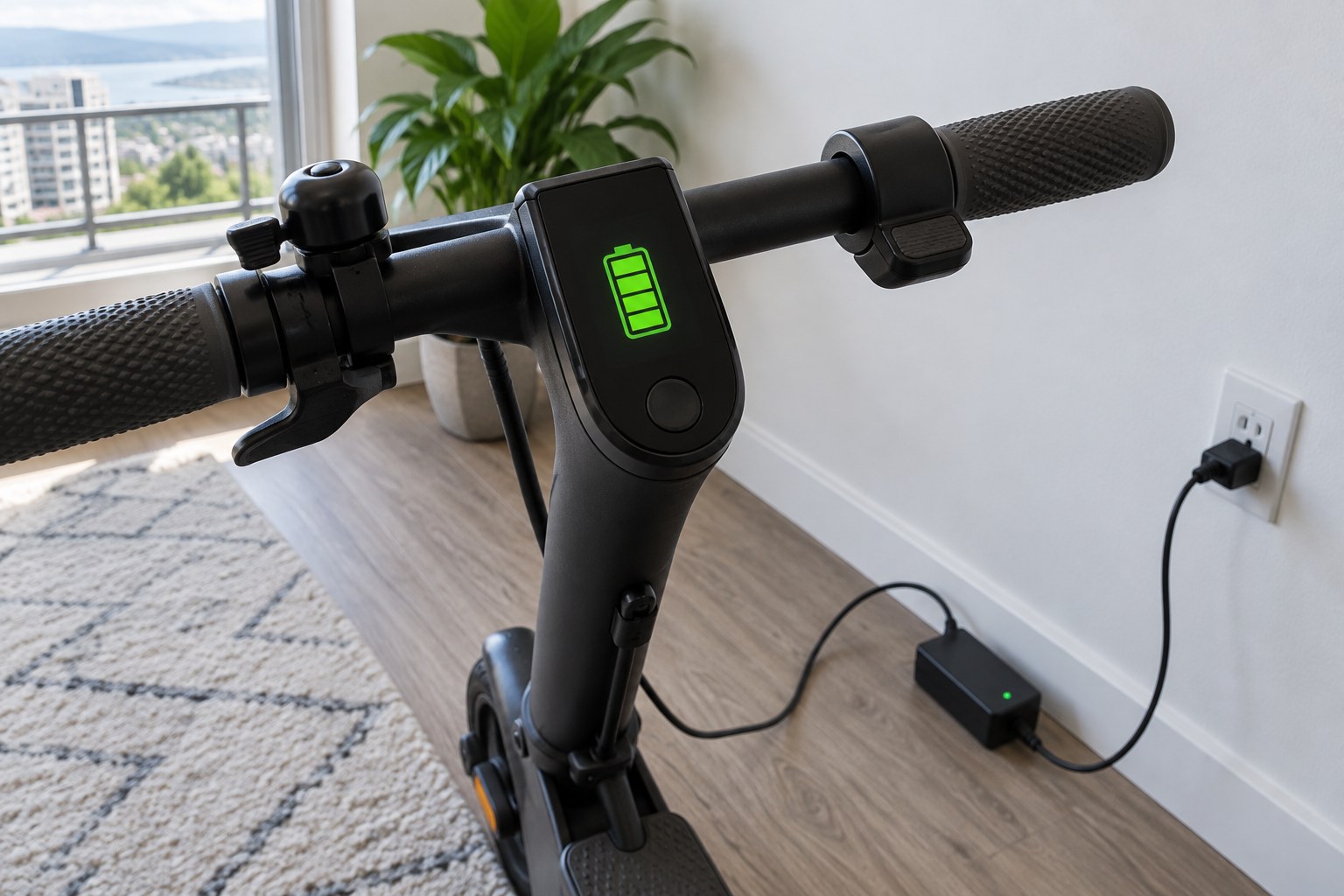
Compare the scooter's charge display before and after its usual charging interval. If an electric scooter charger stays green while the display already shows full and the scooter rides normally, there may be no fault. Let the scooter rest briefly before reading the display again, since some indicators shift after a ride. Use the charge time in your own manual rather than a generic hour estimate.
Which clues support a full charge?
A useful cross-check: Look for agreement between the charger light and the scooter, not a single perfect number. These signs are more helpful together:
- The display indicates a full or near-full battery.
- Charging stops at the time your manual describes.
- The scooter powers on and behaves normally on a short ride.
What if the display seems inconsistent?
If the reading falls sharply as soon as you set off, the battery may have a range or health problem despite a green LED. Record the reading before and after a short, familiar ride so support can compare the two.
| Display behavior | What it suggests |
|---|---|
| Stable high reading | Charging probably completed |
| Immediate large drop | Battery health deserves inspection |
Key Takeaway: A full display backed by normal performance is stronger evidence than the charger light alone.
3. Can a loose connection keep the charger green?
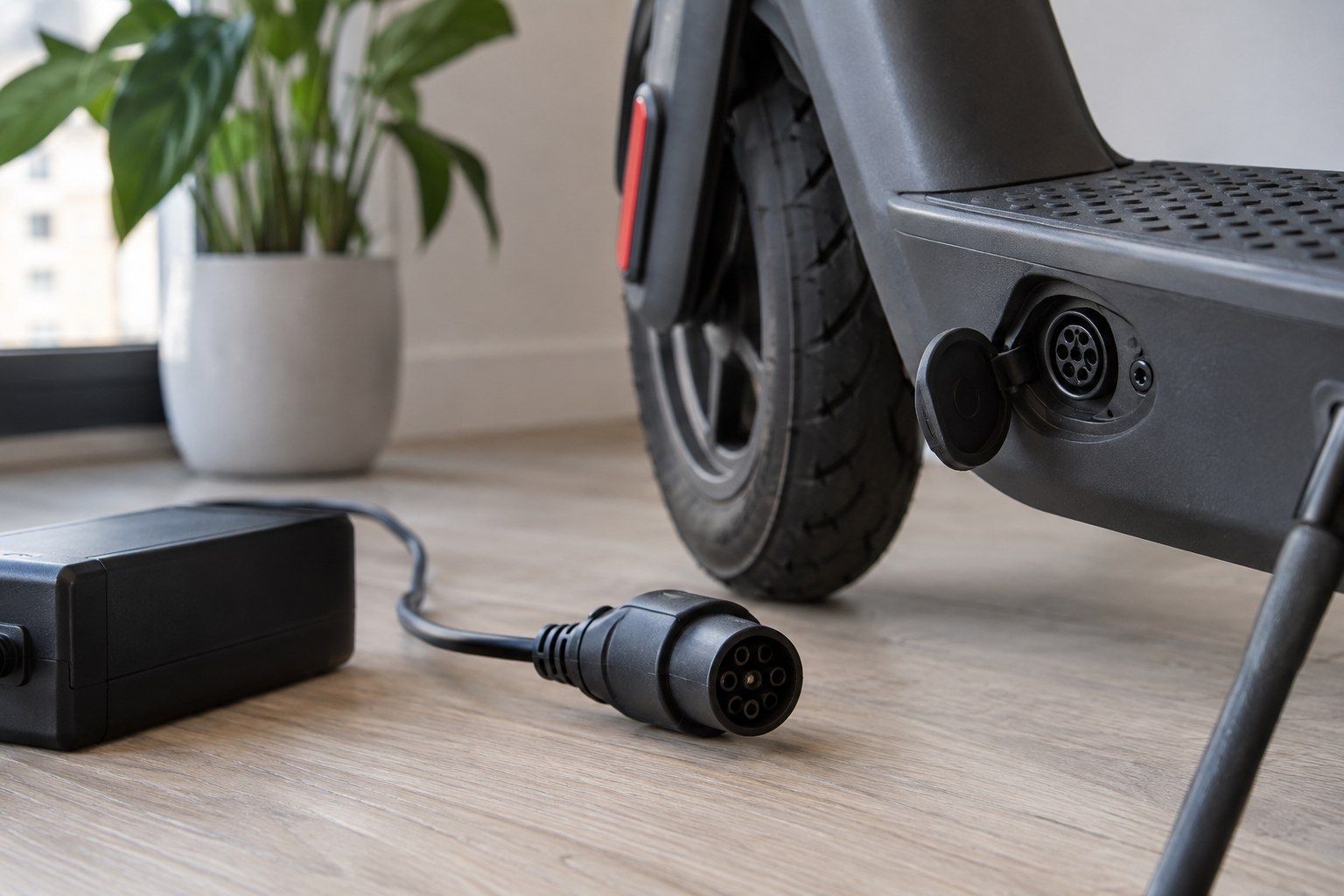
Yes. A loose wall plug, adapter lead, charging connector, or removable battery can interrupt charging while the LED remains green. If an electric scooter charger stays green and the battery reading does not rise, switch everything off before checking each connection. A connector should seat fully without being forced; resistance or a bent pin means stop.
Where can contact fail?
Trace the power path: Start at the outlet and end at the battery bay if your model has a removable pack. Check only accessible parts:
- Confirm the wall plug is secure and try a known working outlet.
- Check both ends of a detachable adapter lead.
- Confirm the scooter connector and removable battery are seated as the manual shows.
How should you reconnect it?
Unplug the charger from the wall and scooter, then reconnect it in the order your manual specifies. If the LED changes and the battery reading later rises, the loose connection was likely the cause.
| After reconnecting | Next move |
|---|---|
| Charging begins | Monitor the session nearby |
| Light stays green, charge stays low | Inspect the port and charger |
Key Takeaway: A careful reseat can solve a contact problem without replacing any parts.
4. Could the charger or cable be faulty?
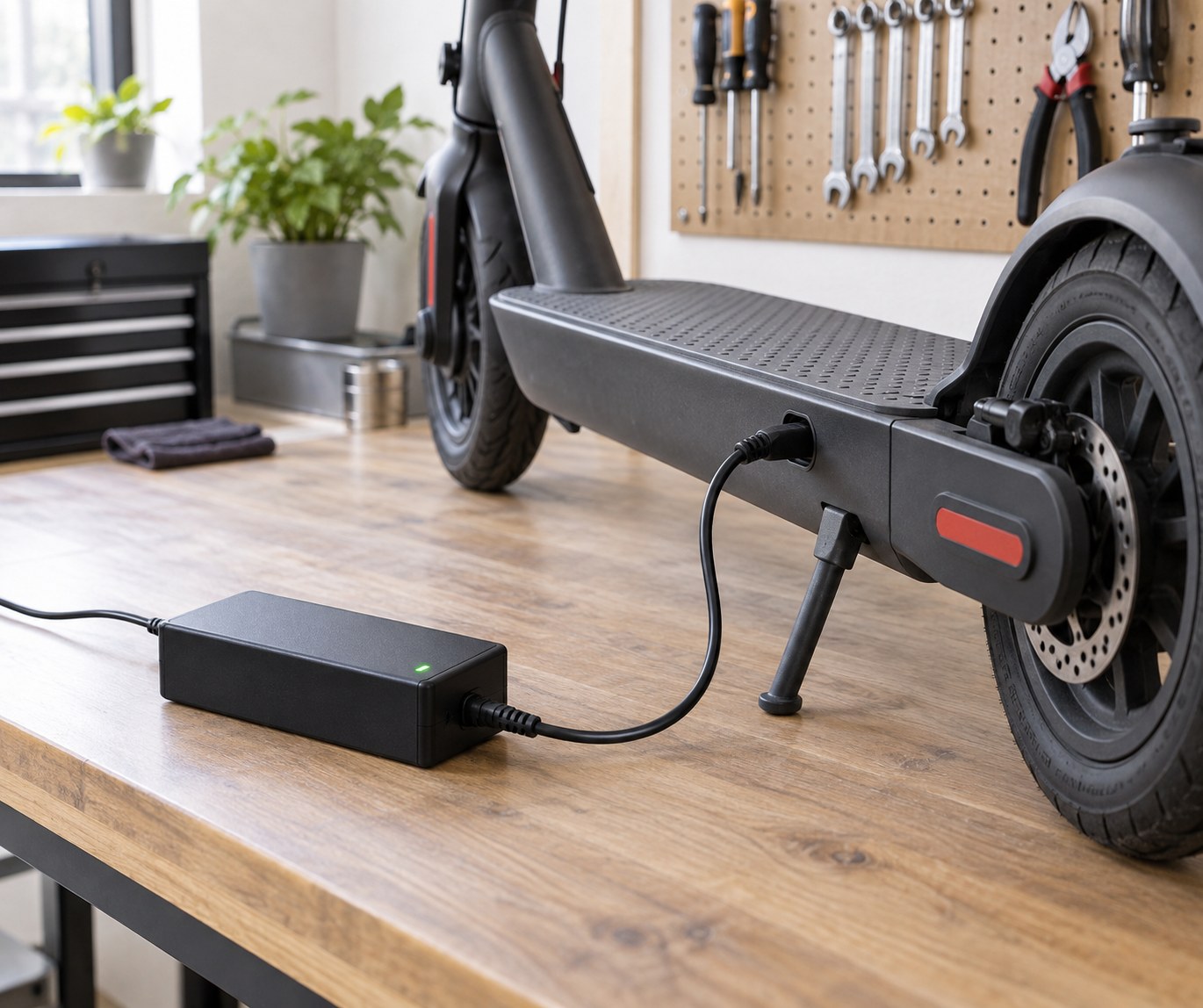
Yes. A charger may light up yet fail to deliver the output your scooter needs. When an electric scooter charger stays green with a low battery, look for a frayed cable, cracked casing, unusual odor, noise, or heat. Stop using a suspect adapter; do not tape a damaged lead or open its housing.
Which signs point to the adapter?
Check the part you can see: A steady green LED does not clear the cable or internal electronics. Note these clues before asking for support:
- A cut, kink, loose plug, or damaged strain relief.
- A hot casing, odd noise, or smell during a charging attempt.
- The same symptom after the outlet and port pass inspection.
What is a safe replacement?
Use a charger approved for the exact scooter model, with the correct connector and electrical specification. For Model B owners, the Model B charger with cable is a model-specific starting point; confirm fit before ordering.
| Choice | Why it matters |
|---|---|
| Approved model-specific charger | Matches the intended charging system |
| Unverified lookalike plug | Fit alone does not prove compatibility |
Key Takeaway: A damaged charger should be replaced with an approved match, never improvised back into service.
5. Can dirt in the charging port stop charging?
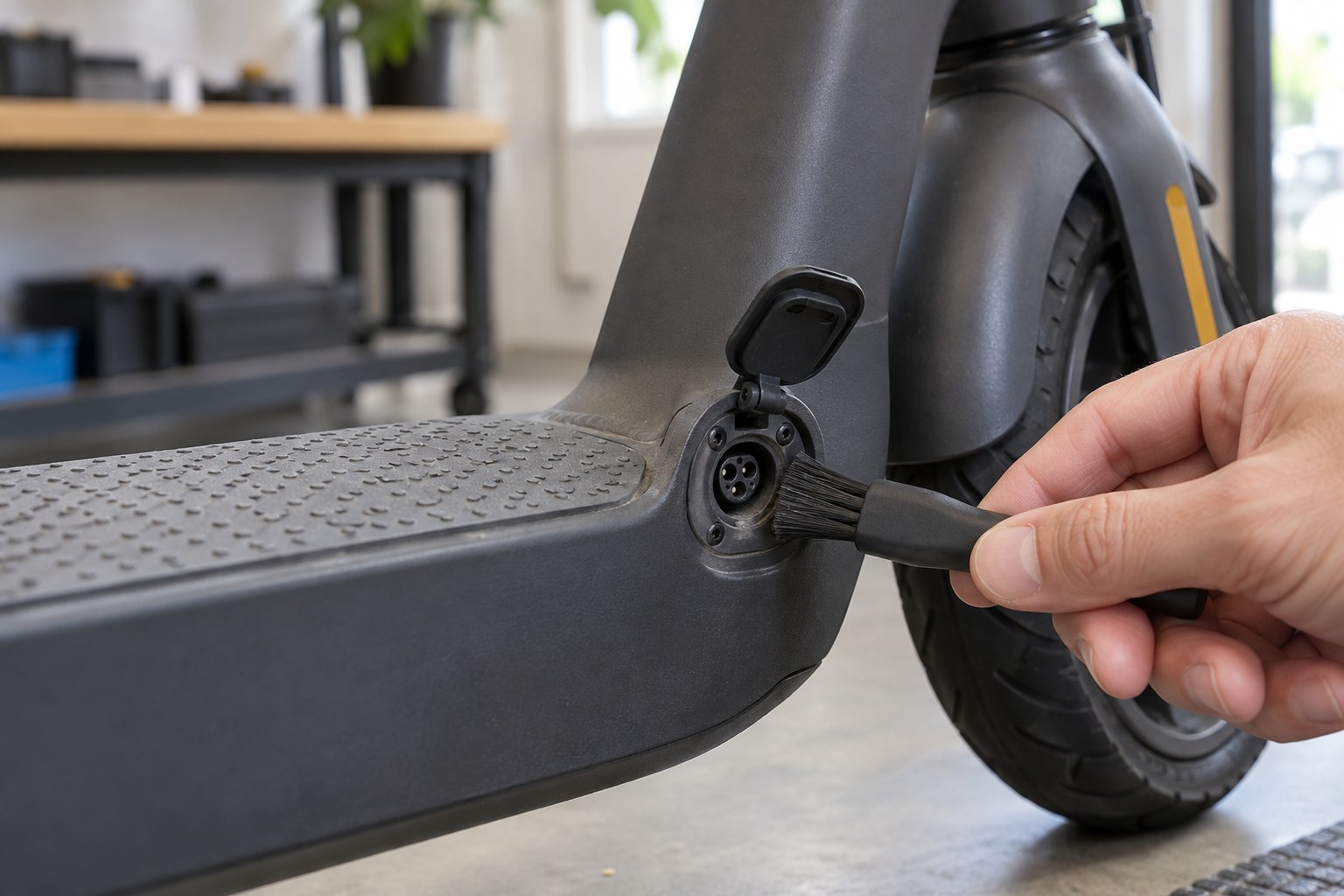
Yes. Dust, moisture, or corrosion at the charging port can block good contact. If an electric scooter charger stays green after a dry connection check, power off the scooter and unplug the adapter before you look inside the accessible port. Do not charge through a wet, bent, or visibly damaged connector.
What should you look for?
Use a flashlight before a brush: You are checking for debris, damaged contacts, and a cover that no longer closes. A quick visual list helps:
- Dry dust around the outer rim can be removed gently.
- Green or white residue, bent pins, or dark marks need service.
- Water inside the port means leave the scooter unplugged.
How can you clean it safely?
With power disconnected, use a dry, soft brush on the accessible exterior only. Avoid metal tools, sprays, and attempts to bend pins back into place.
| Port condition | Safe response |
|---|---|
| Light exterior dust | Brush gently while unplugged |
| Moisture or damaged contacts | Stop and request inspection |
Key Takeaway: Clean only what you can reach safely; a damaged port belongs with a qualified technician.
6. Can the battery or BMS refuse a charge?
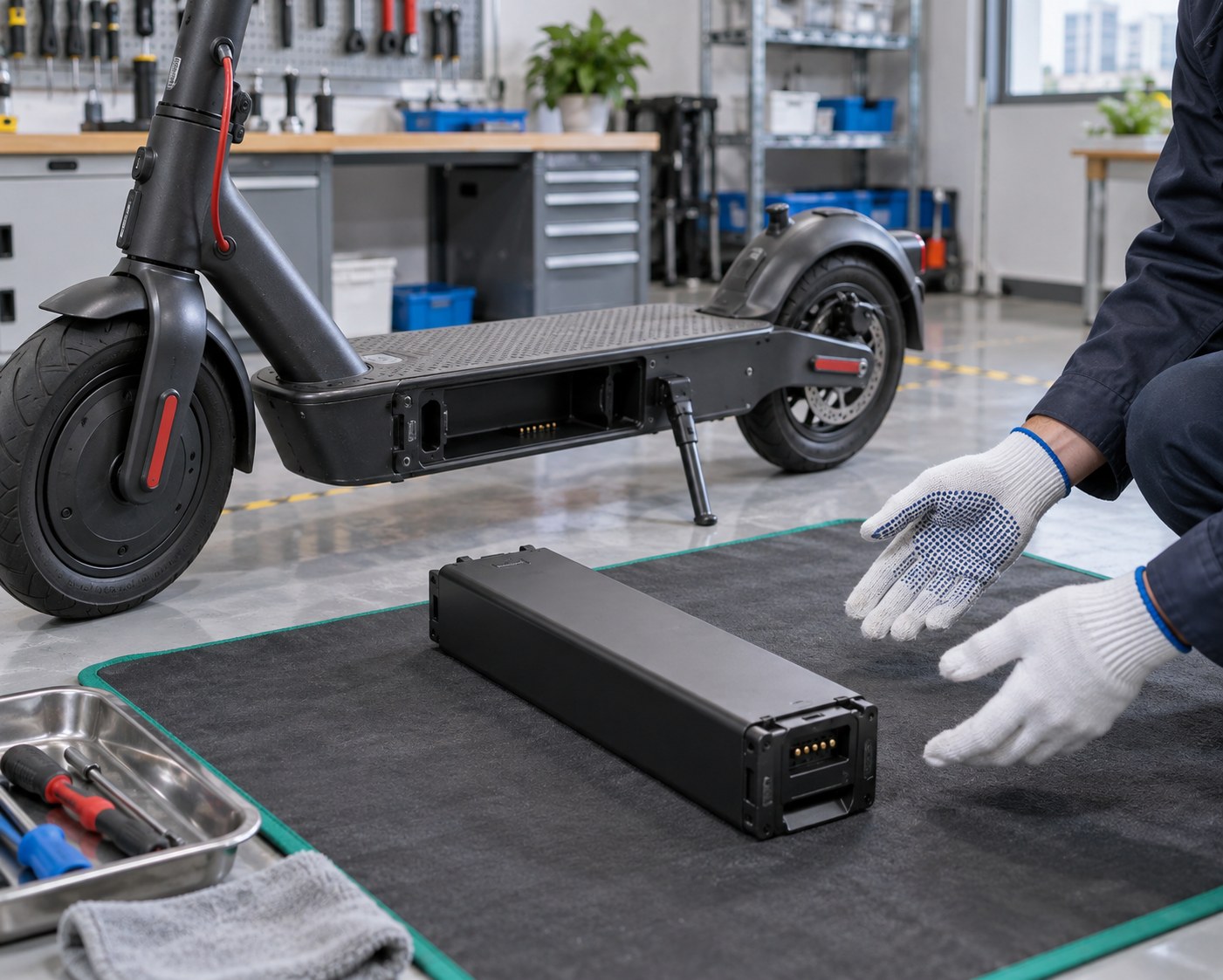
Yes. A worn battery or a protective battery management system can prevent charging. When an electric scooter charger stays green despite a low display, note whether the scooter has been stored in extreme heat or cold, loses range quickly, or will not turn on. A sealed pack that is swollen, leaking, unusually hot, or giving off an odor needs immediate isolation from charging and professional help.
What can you check without opening the pack?
Keep the case closed: Compare recent range with your usual commute and inspect only the battery exterior and approved contacts. Useful observations include:
- Whether the pack is seated as the manual shows.
- Whether the scooter powers on with its usual battery reading.
- Whether temperature or storage conditions changed before the fault.
When should you seek battery service?
Let a cold or hot scooter return to room temperature before another attempt, following its manual. If symptoms persist, ask support whether the Model B replacement battery fits your exact version; never open or rebuild a lithium pack yourself.
| Symptom | Next move |
|---|---|
| Range has steadily declined | Request battery assessment |
| Swelling, leak, heat, or odor | Stop charging and seek service |
Key Takeaway: Battery protection and battery failure need model-specific diagnosis, not a forced charge.
7. What should you check in order?
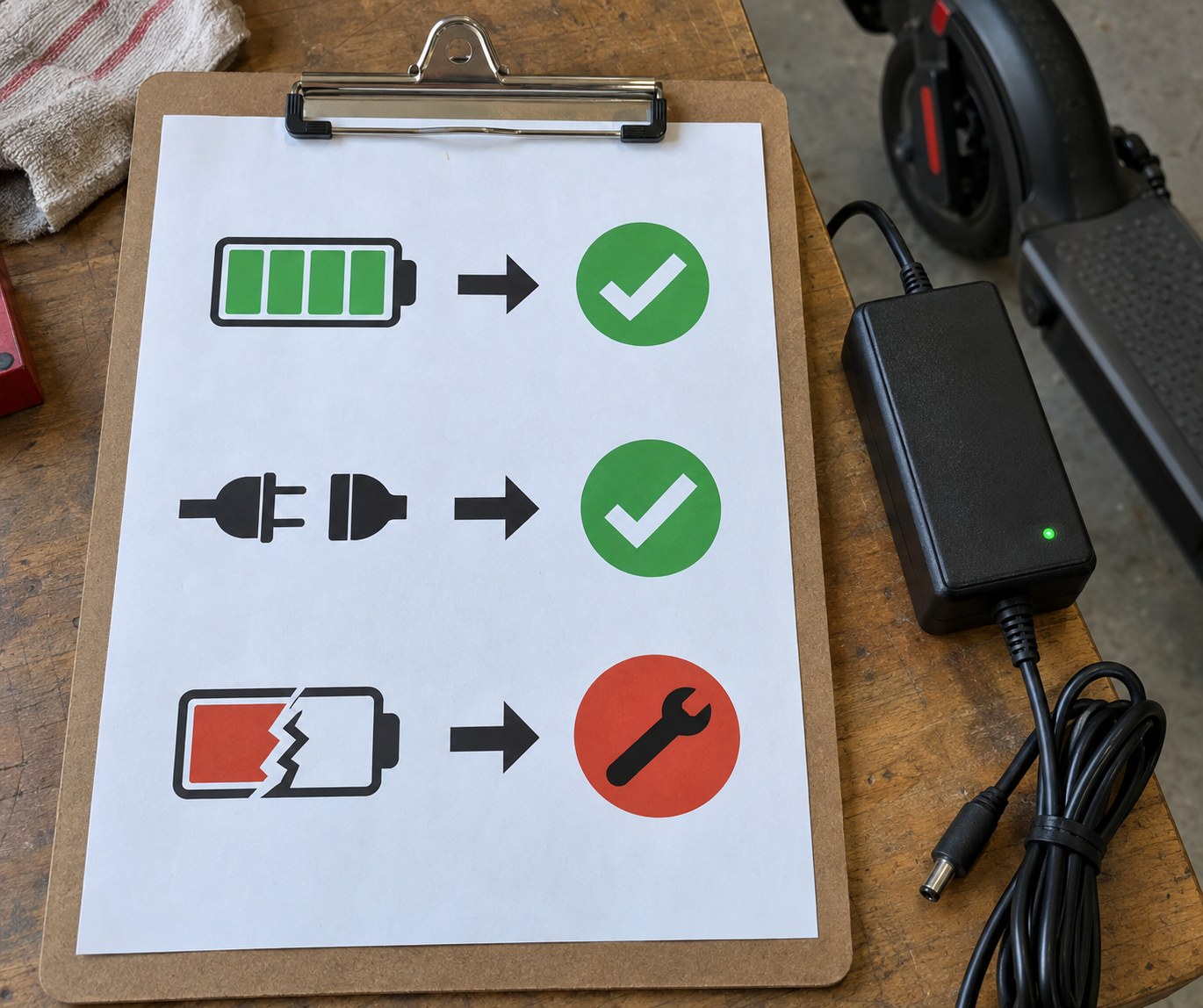
Check the outlet, cable connections, port, battery reading, and approved charger in a calm sequence. When an electric scooter charger stays green, changing one thing at a time shows which check actually helped. Keep the scooter off while handling connectors and follow its manual for plugging and unplugging order. Stop the sequence if you see heat, swelling, smoke, or damaged wiring.
What is the shortest safe checklist?
One change at a time: A written sequence keeps you from buying a battery for a loose plug. Work through these steps:
- Verify a working wall outlet and intact charger lead.
- Inspect and reseat the dry charging connector.
- Compare battery readings before and after a supervised charging attempt.
How do the results guide you?
If charging begins after reseating, monitor the next session. If it still fails, an approved spare charger or professional test can distinguish the adapter from the scooter; never try a random charger merely because its plug fits.
| Result | Best next step |
|---|---|
| Charge rises after reseating | Monitor for repeat faults |
| Charge stays low after safe checks | Arrange model-specific testing |
Key Takeaway: A fixed order makes the fault easier to describe and keeps unnecessary part swaps out of the process.
8. What if the scooter still will not charge?
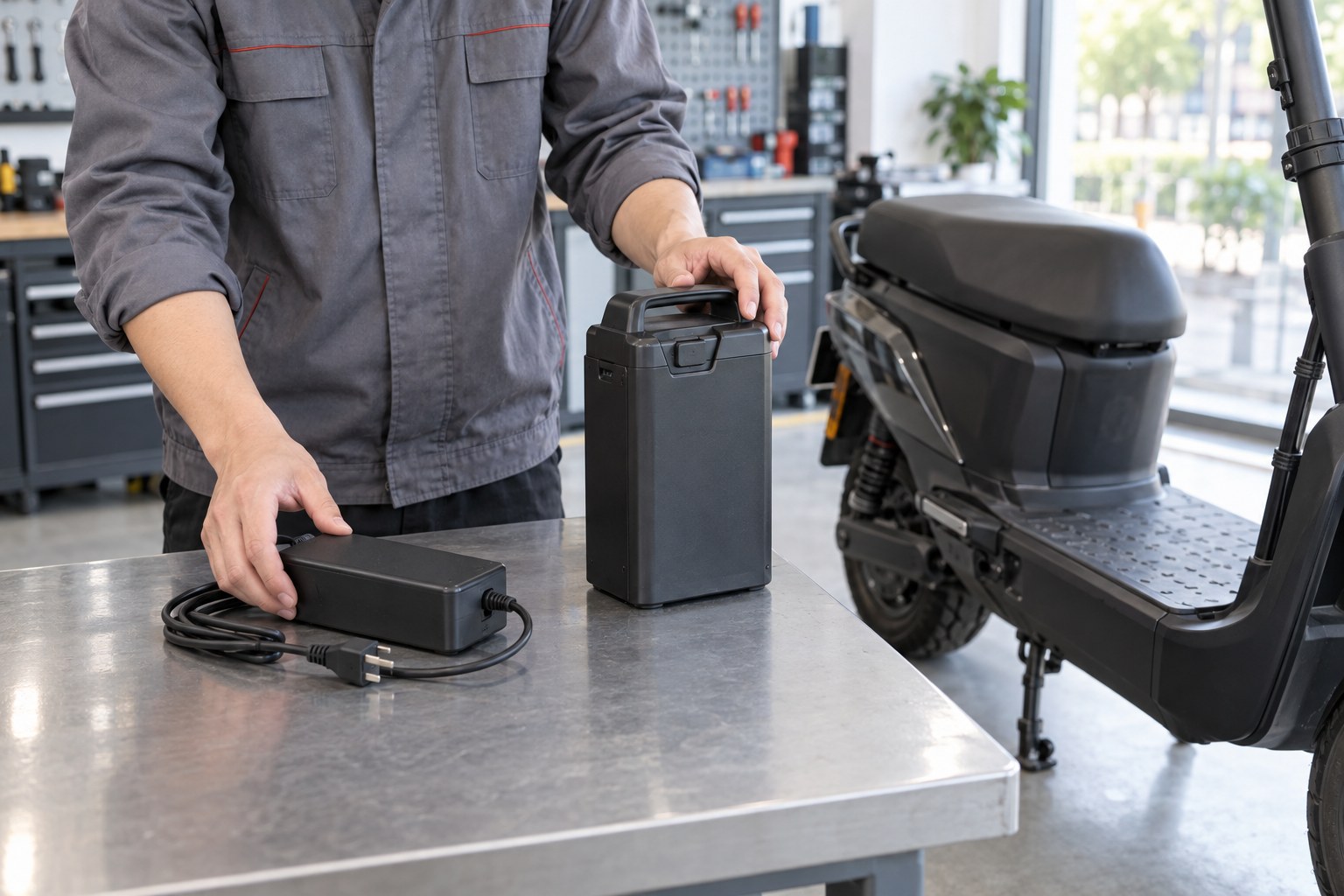
Stop repeating the same attempt and request a model-specific inspection. If an electric scooter charger stays green after the outlet, connection, port, and display checks, the fault may sit in the charger, battery, or scooter charging circuit. Write down the LED behavior, battery reading, model name, and any recent drop or moisture exposure. Those details help support test the right part without asking you to open the deck.
What evidence helps support?
Bring a short record: A clear timeline beats a vague report that it “doesn't charge.” Include:
- The display reading before and after a supervised attempt.
- Whether the LED ever changes color.
- Photos of the charger label, plug, and port if they are safe to handle.
When should you stop testing?
Stop immediately if a part is hot, swollen, leaking, sparking, or giving off an unusual smell. Keep it unplugged and ask a qualified technician for next steps rather than bypassing a protection circuit.
| Situation | Action |
|---|---|
| No visible damage, no charge | Arrange targeted testing |
| Heat, damage, smoke, or odor | Stop use and seek urgent help |
Key Takeaway: Good symptom notes speed up a safe repair and may save you from buying the wrong component.
9. How can you charge the scooter safely?
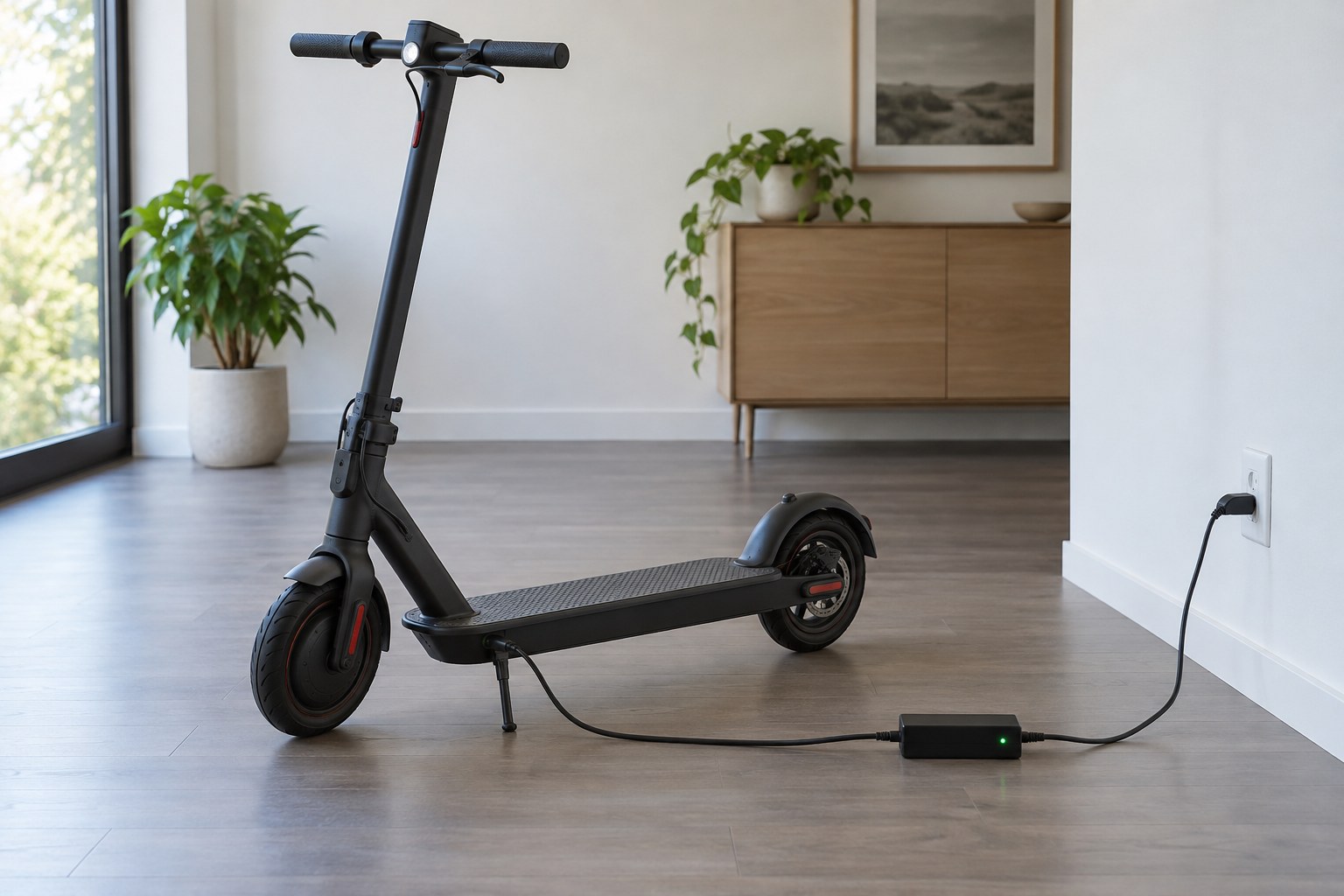
Use the manufacturer-approved charger in a dry, clear area while you are awake and nearby. If an electric scooter charger stays green, do not leave it plugged in indefinitely while you decide whether it is charging. The U.S. Consumer Product Safety Commission advises using the supplied or recommended charger, staying present, and unplugging when charging is done. Follow your model manual for its own temperature and storage limits.
Where should you set up a charge?
Give the scooter room: Keep the charger off soft furnishings and away from exits or flammable items. Before plugging in:
- Confirm the scooter, port, and charger are dry.
- Use a direct wall outlet and an approved charger.
- Keep the area clear and stay awake during charging.
What warning signs end the session?
Unplug and stop using the equipment if you notice smoke, a strange smell, swelling, leaking, sparking, or unusual heat. If there is fire or smoke, move away and contact local emergency services.
| Condition | Response |
|---|---|
| Normal, supervised charge | Follow the manual and unplug when done |
| Smoke, swelling, or strong heat | Stop, move away, and get help |
Key Takeaway: Safe charging habits matter even when the green LED appears reassuring.
10. When should you replace a charger or battery?
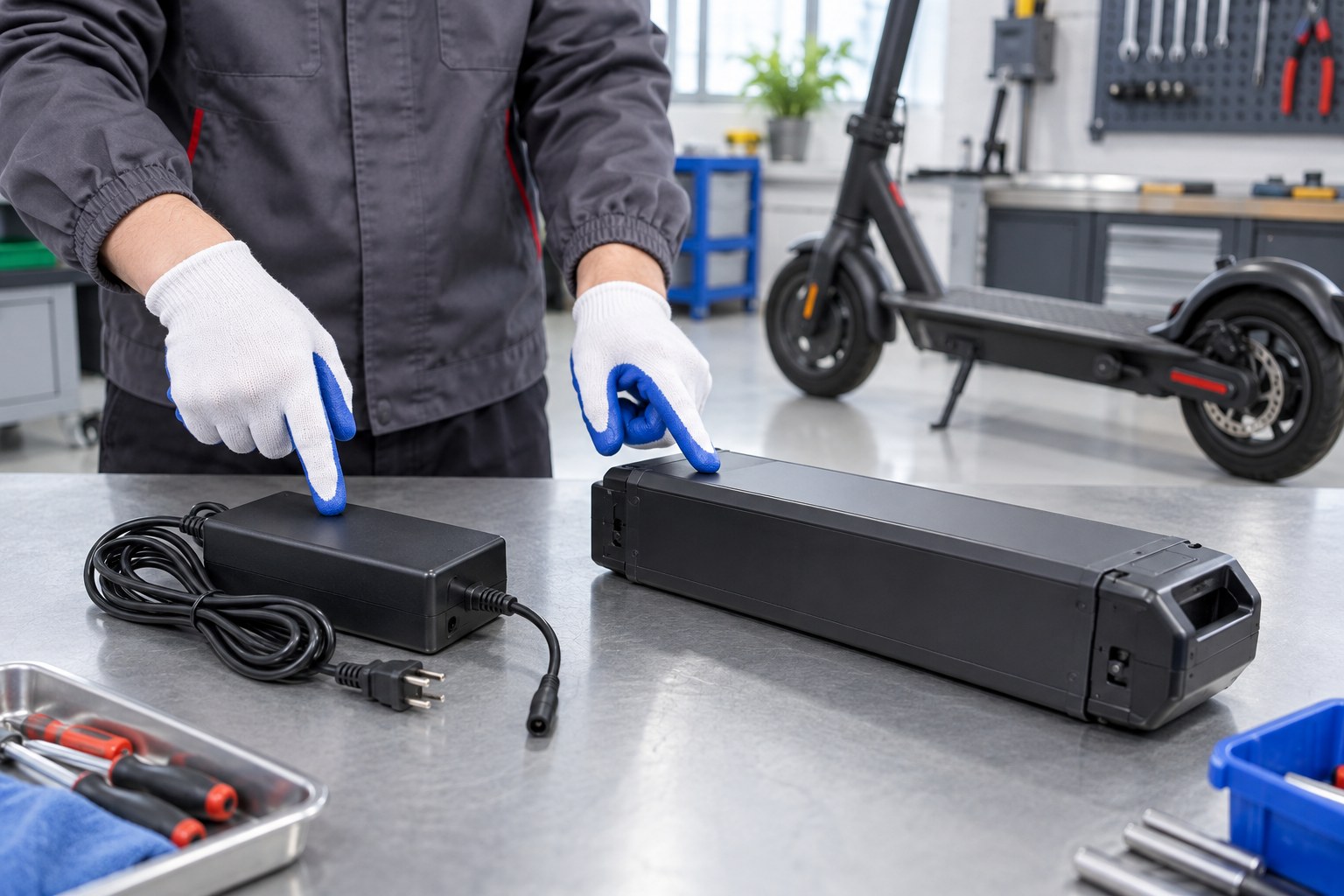
Replace the component that a safe inspection or professional test identifies as faulty. An electric scooter charger stays green with several different faults, so the light alone cannot choose a replacement for you. A visibly damaged adapter points toward a charger problem; a pack that loses range, fails to hold charge, or shows damage needs battery assessment. Check warranty coverage before ordering either part.
Which part is the stronger suspect?
Match the symptom to the part: Keep your observations separate so you can describe them accurately:
- Damaged lead, plug, or adapter case: stop using the charger.
- Persistent low range after a verified full charge: ask about battery health.
- Damaged port or charging circuit: book service rather than swapping parts blindly.
How do you choose the correct replacement?
Match the exact model and manufacturer approval, not the connector shape alone. The guide on whether electric scooter chargers are universal explains why lookalike adapters can be unsafe.
| Confirm before buying | Reason |
|---|---|
| Model and approved specifications | Prevents incompatible charging |
| Warranty and service advice | Avoids an unnecessary purchase |
Key Takeaway: Identify the failed part before spending money, then use a replacement approved for your scooter.
You can now tell when green likely means a full charge, how to check the power path, and when a charger or battery needs service. At Dynamic Scooter, we believe a dependable ride begins with a charging setup you can trust. If your scooter still will not charge, contact us today with your model and the readings you recorded; we can help you identify the right next step or compatible part.
Frequently Asked Questions
Q1. Can I ride if the charger stays green but the battery display is low?
No, not until you know the scooter has enough charge for your route. The green LED may mean the charger never connected to the battery; check the display and charging behavior before relying on it.
Q2. How do I know if my scooter is charging without relying on the LED?
Compare the battery display before and after a supervised session. If the reading stays low, check the outlet and connectors, then arrange a model-specific test.
Q3. What's the best way to check a charging port?
Inspect it with power disconnected and a flashlight. Gently remove dry exterior dust with a soft brush, but leave bent, wet, or corroded contacts to a technician.
Q4. Can I use another charger that fits the socket?
No, fit alone is not enough. Use the supplied charger or a replacement the scooter manufacturer approves for your exact model.
Q5. How do I know if I need a new battery?
You need an assessment if range keeps falling after a verified charge or the pack shows damage. Stop charging a swollen, leaking, or unusually hot battery and ask for service.